Telefonsaker
Ladere og kabler
Gaming
Gadgets
Deksler til nettbrett og iPad
Kontoen din
Språk
Virksomhet
Telefondata
Kontakt oss
4.1 Google Shopping Vurdering Over 2 millioner kunder siden 2013 Basert i Europa Gratis leveringsbestilling over €20+

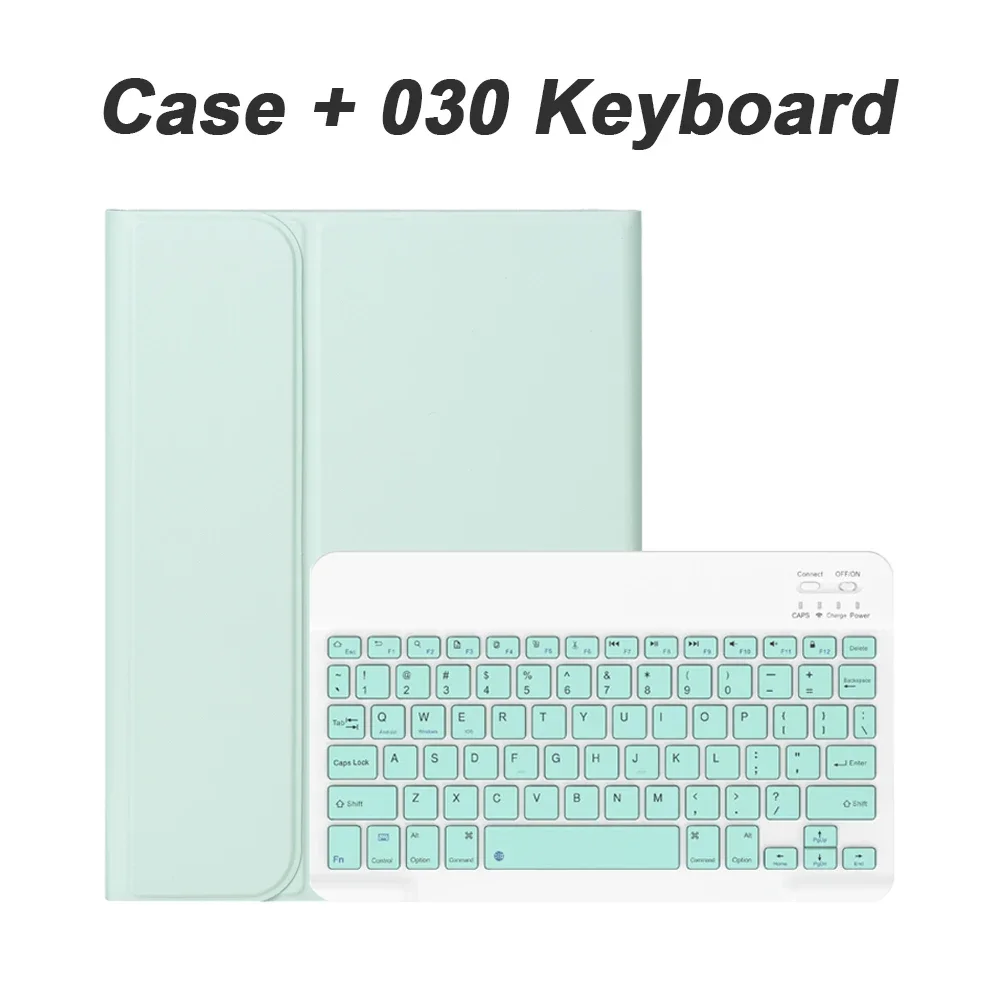
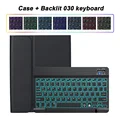
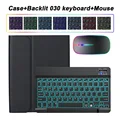
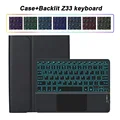
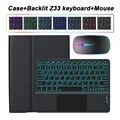
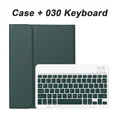
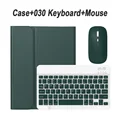
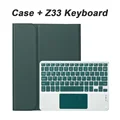
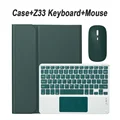
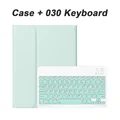
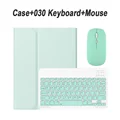
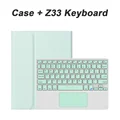
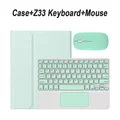
Bluetooth Keyboard Cover Case - English Russian (Light Green 1)

Bluetooth Keyboard Cover Case

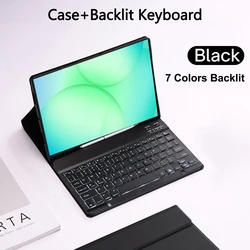
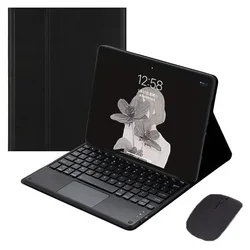
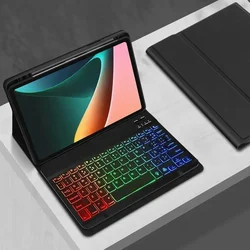
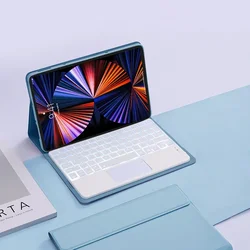
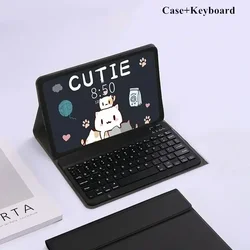
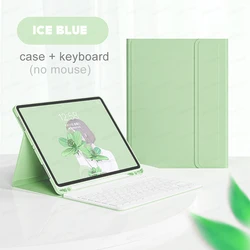
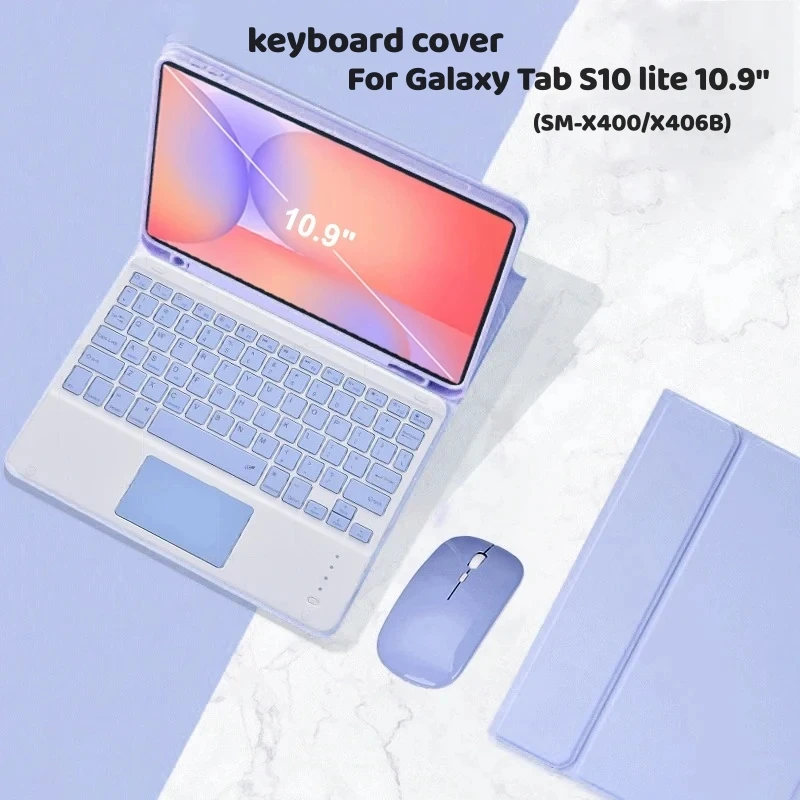
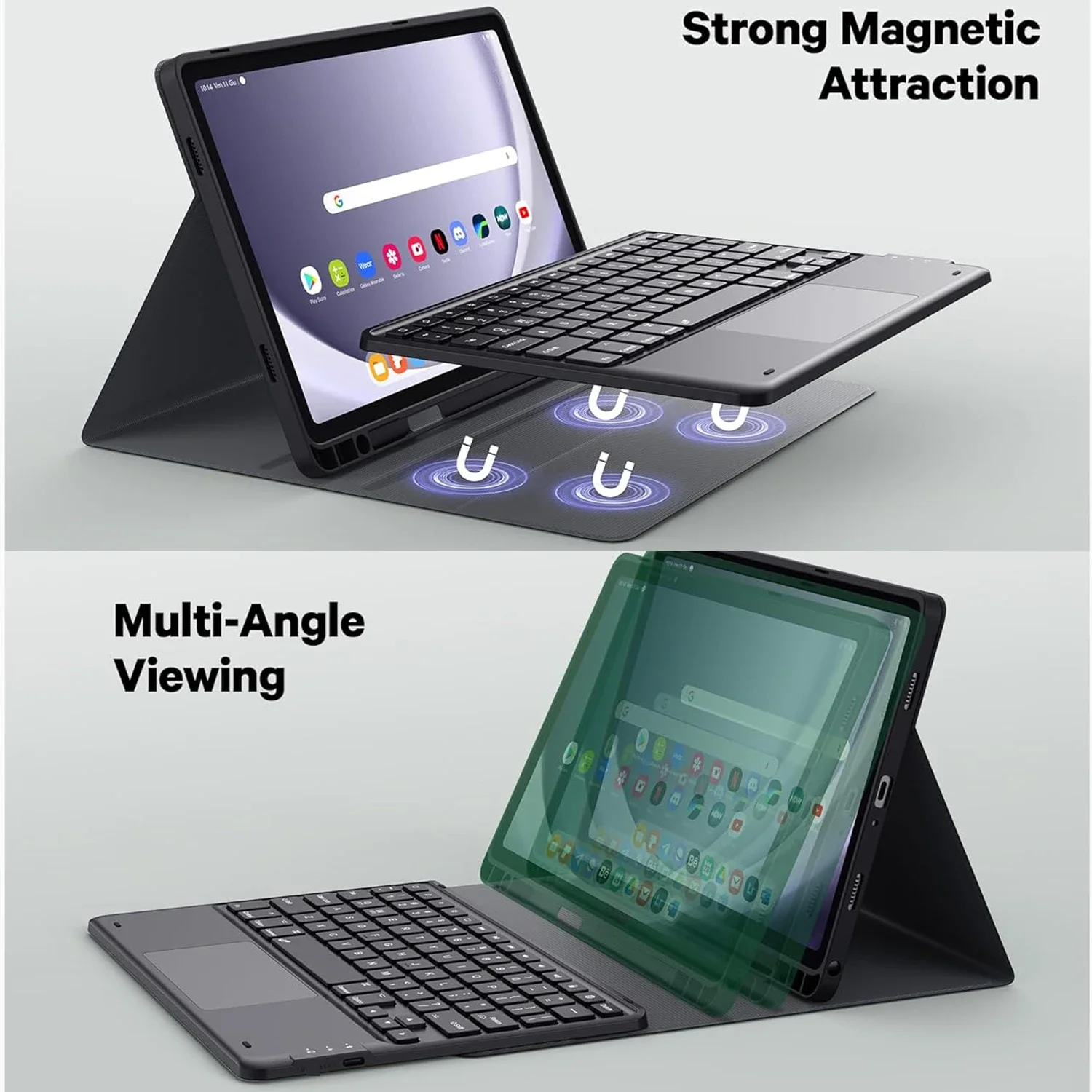
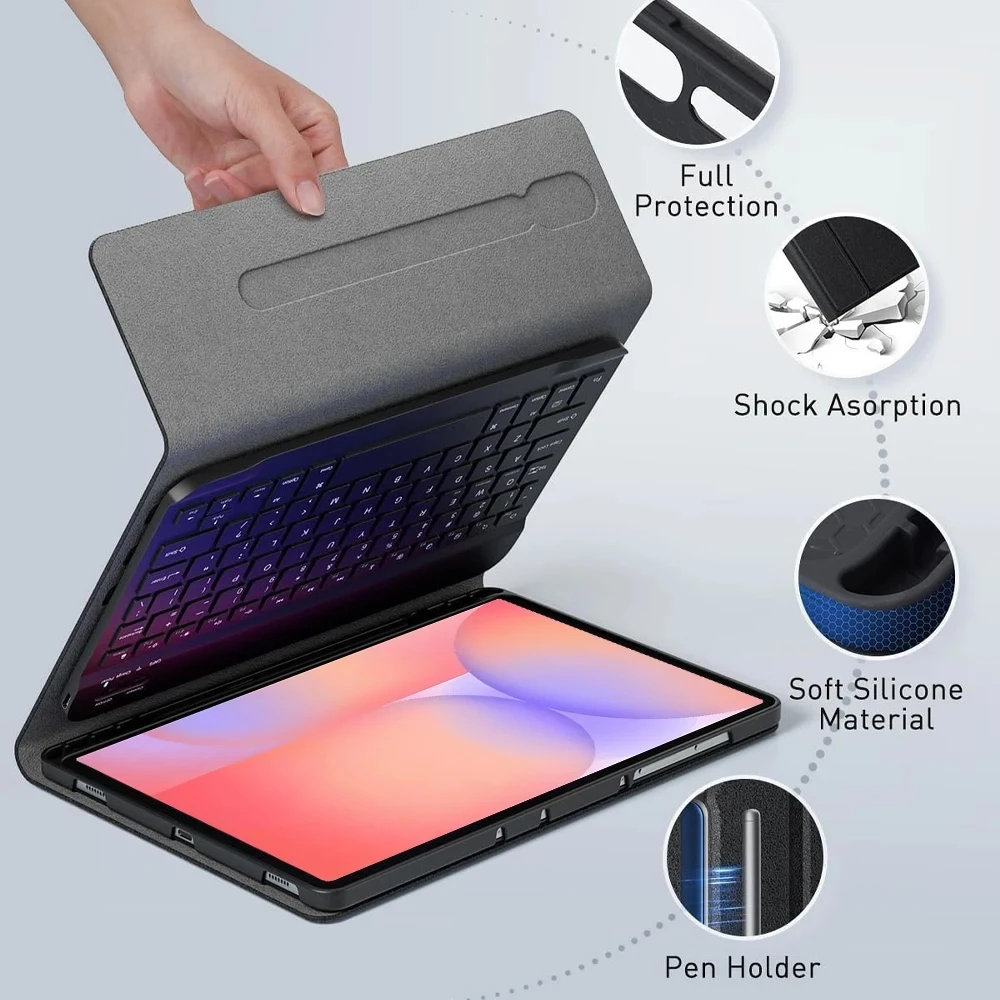
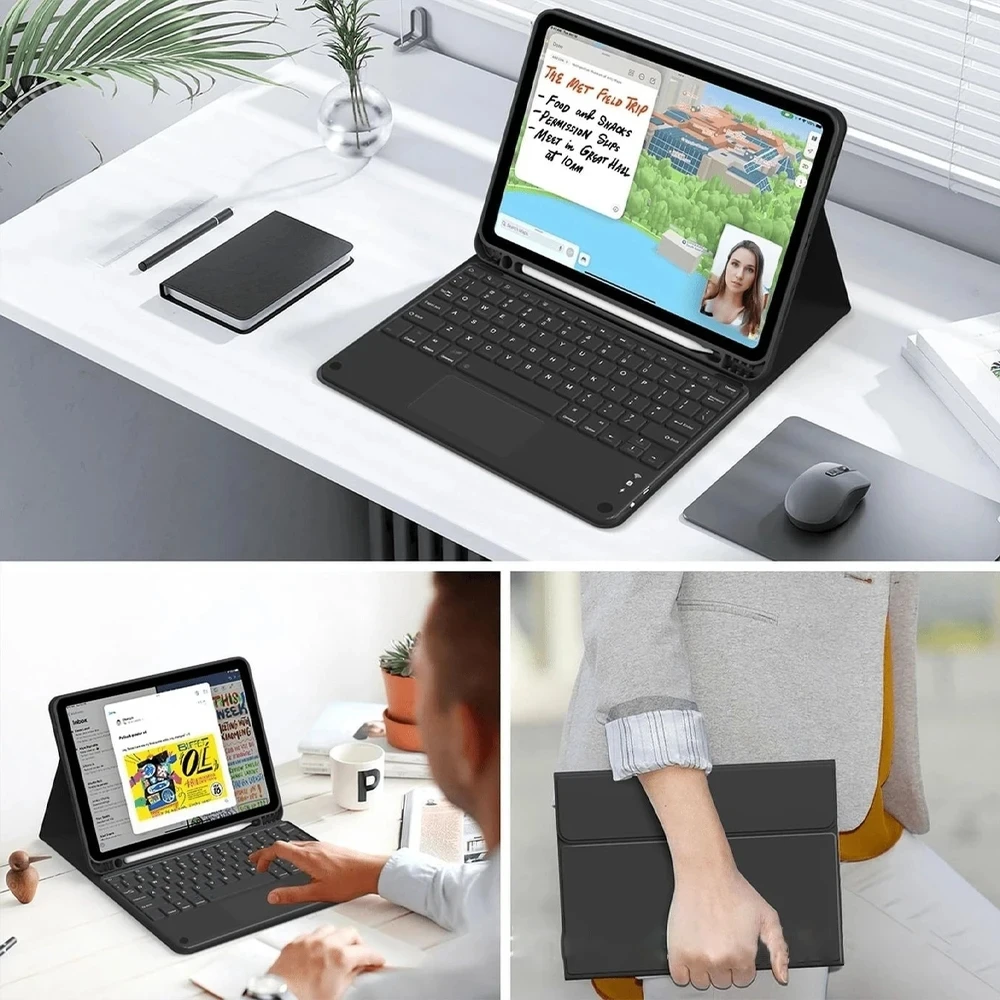
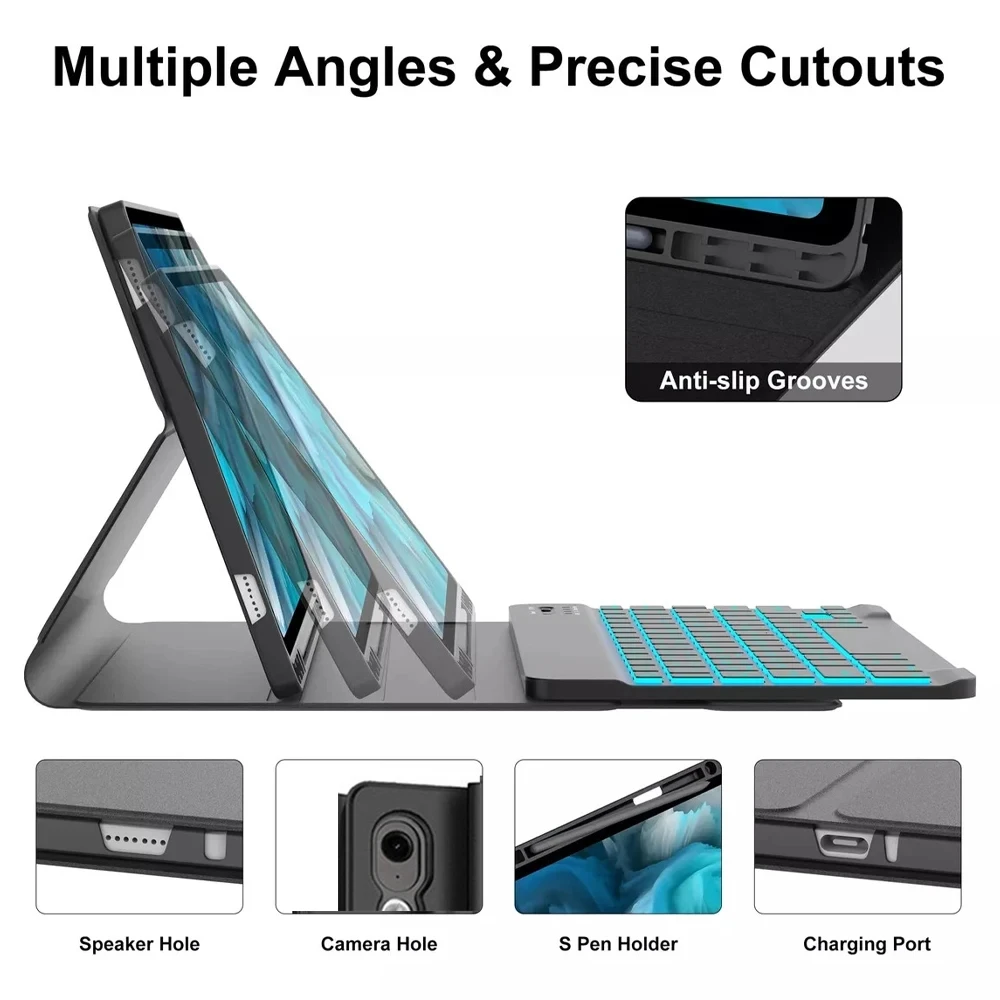
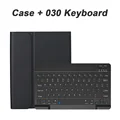
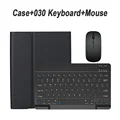
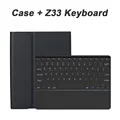
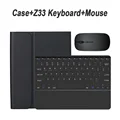
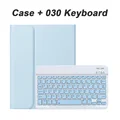
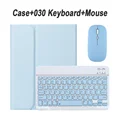
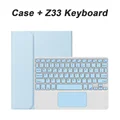
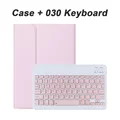
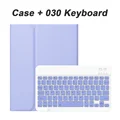
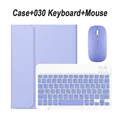
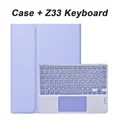
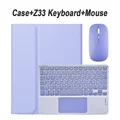
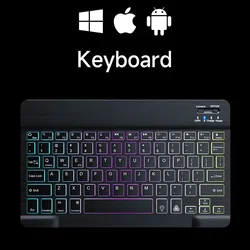
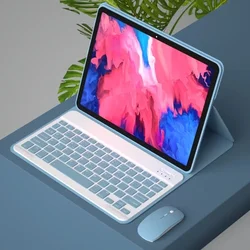
📦 Product Overview: Enhance your Samsung Galaxy Tab S10 Lite 5G experience with our premium keyboard cover case specifically designed for the 10.9-inch model (2025 SM-X400/X406B). This versatile case transforms your tablet into a compact workstation, blending protection with functionality.

🎯 Compatibility: This keyboard cover case is exclusively compatible with the Samsung Galaxy Tab S10 Lite 10.9". Ensure you have the correct model to benefit from its seamless features.

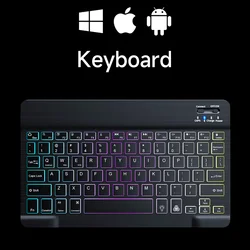
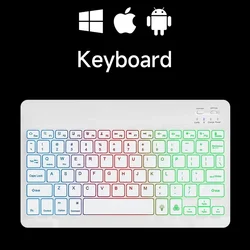
💍 Keyboard Layout: The keyboard is equipped with an English letter layout for effortless typing. For users requiring additional language options, the keyboard can accommodate multiple languages, providing both English and your specified language layouts.

📦 Tablet and Accessories: Please note that the digital tablet and stylus are not included in this package. The product details provided here are for reference; please consult the actual product to see the accurate color and design.

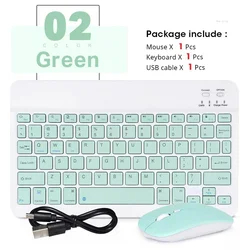
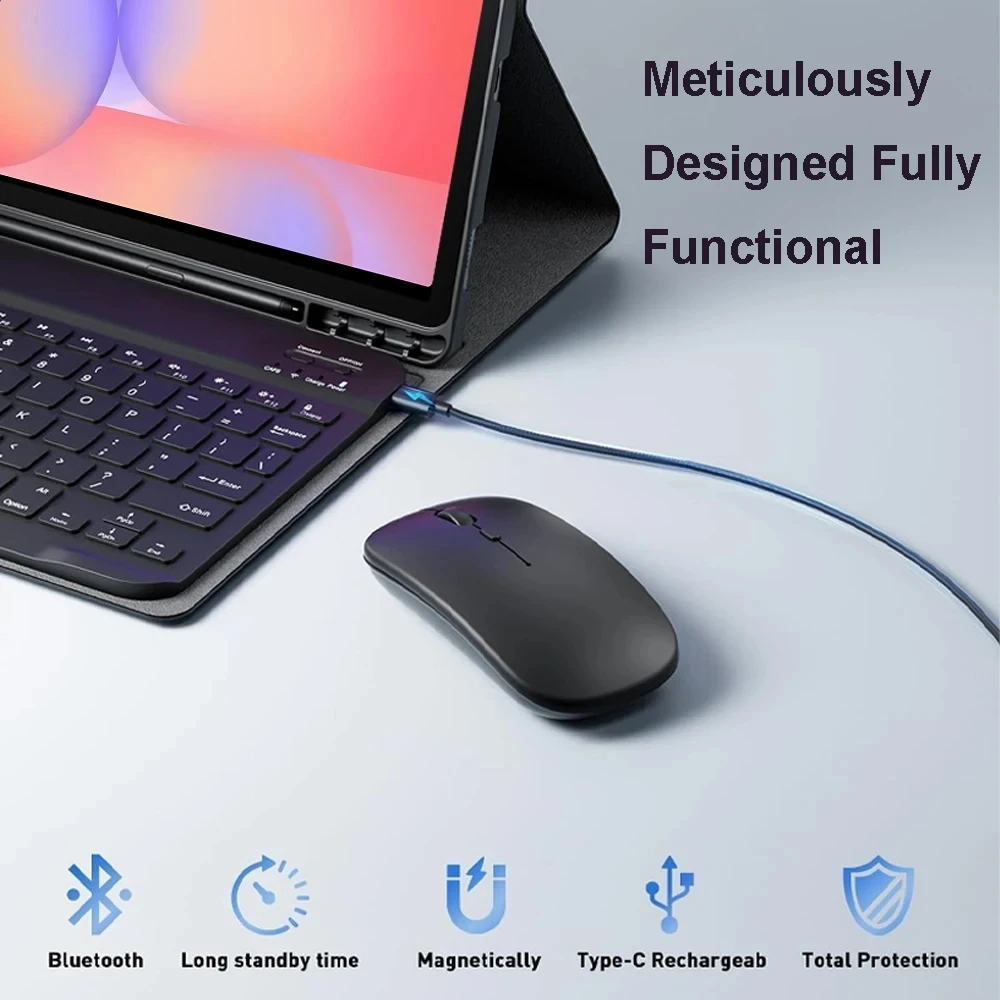
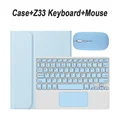
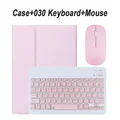
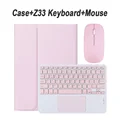
🔵 Connecting Your Keyboard and Mouse: To maximize your user experience, follow these straightforward steps to connect your Bluetooth keyboard and mouse:

  • Step 1: First, connect the mouse. Activate the mouse by switching to the Bluetooth icon and select it from your Bluetooth list.
  • Step 2: For the keyboard, toggle the switch in the top right corner to "ON", then press "Connect" and find it listed as "Keyboard" in your Bluetooth connections.
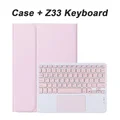
  • Step 3: If you have a touchpad keyboard, simply open it, press Fn+C, and follow the same connection steps from above.

🔘 Frequently Asked Questions:

  • Q: What should I do when connecting the mouse for the first time?
    A: Press the left button, right button, and scroll wheel simultaneously for 3-5 seconds to establish the connection.
  • Q: Is the scrolling direction the same for USB and Bluetooth connections?
    A: No, they differ. The USB connection mimics standard mouse behavior, while Bluetooth scrolling is inverted.
  • Q: How can I switch between different systems?
    A: Use Fn+Q for Android, Fn+W for Windows, and Fn+E for iOS. Remember to switch before connecting.
  • Q: What if the Bluetooth keyboard letters appear jumbled?
    A: Check your device’s keyboard settings, ensure it’s set to English, and potentially reset the keyboard by pressing L, S, and Z simultaneously.
  • Q: How can I configure the keyboard for different languages?
    A: On a Samsung tablet, navigate to "Settings" > "System" > "Language & Input" and add a new keyboard. For other devices, follow the relevant system settings.
  • Q: How to change the scroll direction of the mouse?
    A: After connecting, go to "General" > "Trackpad & Mouse" and toggle off "Natural Scrolling".

🛡️ Experience enhanced productivity and protection with our dedicated keyboard cover for your Samsung Galaxy Tab S10 Lite 5G. Transform the way you work on your tablet today!

€39.99 På lager
Mengde:
Farge: Light Green 1 Størrelse: English Russian
Kompatibel med English Russian

GRATIS LEVERING
Delivery Mandag 5. oktober - onsdag 7. oktober

€6.00 Leveringsgaranti til rett tid

Hvis denne varen ankommer etter leveringsdatoen som er oppgitt i kassen, vil du bli tilsendt en kredittkupong på €6,00 som du kan bruke på din neste bestilling
Hvorfor velge SDTEK?
Over 2 millioner kunder siden 2013
4.1 Google Shopping-vurdering
Flott Trustpilot-vurdering
Rask levering over hele verden
14 dagers enkel retur
24 timers kundeservice
Kjøper du for bedriften din?
Masserabatter tilgjengelig på dette produktet
Se våre mengderabatter og forretningspriser