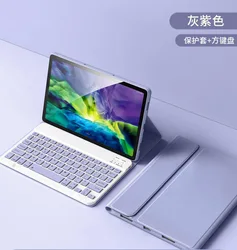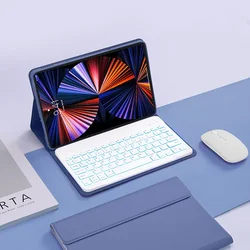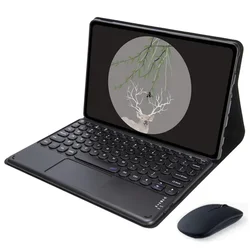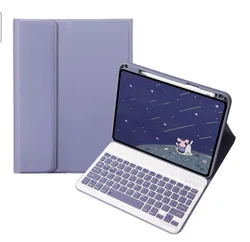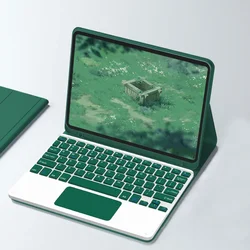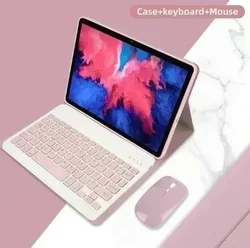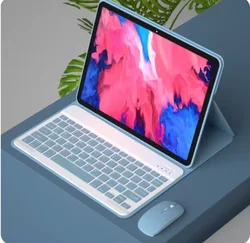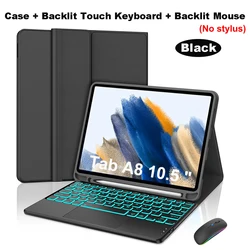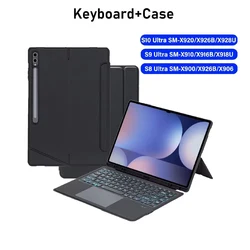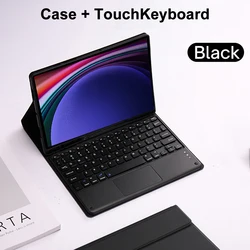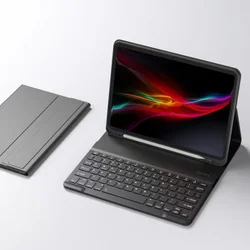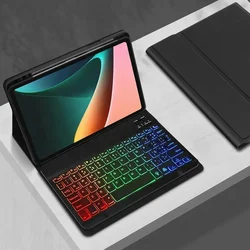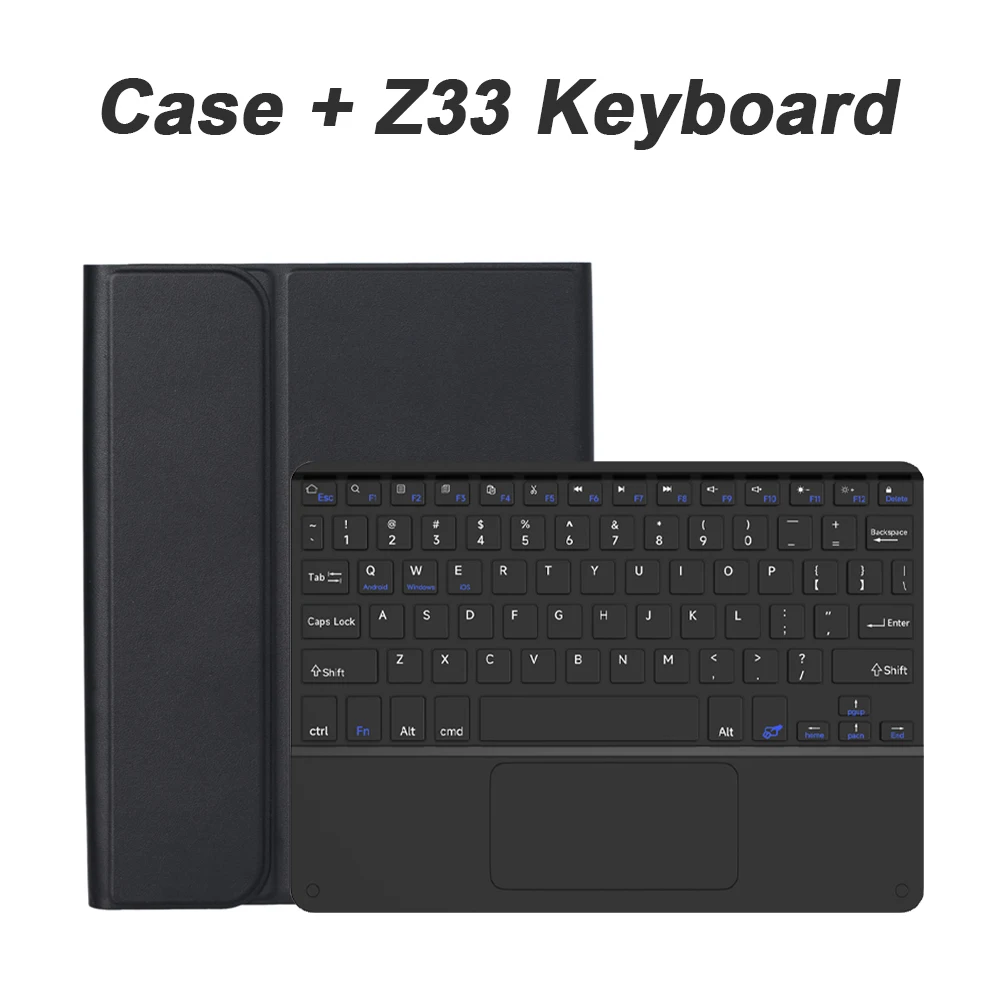


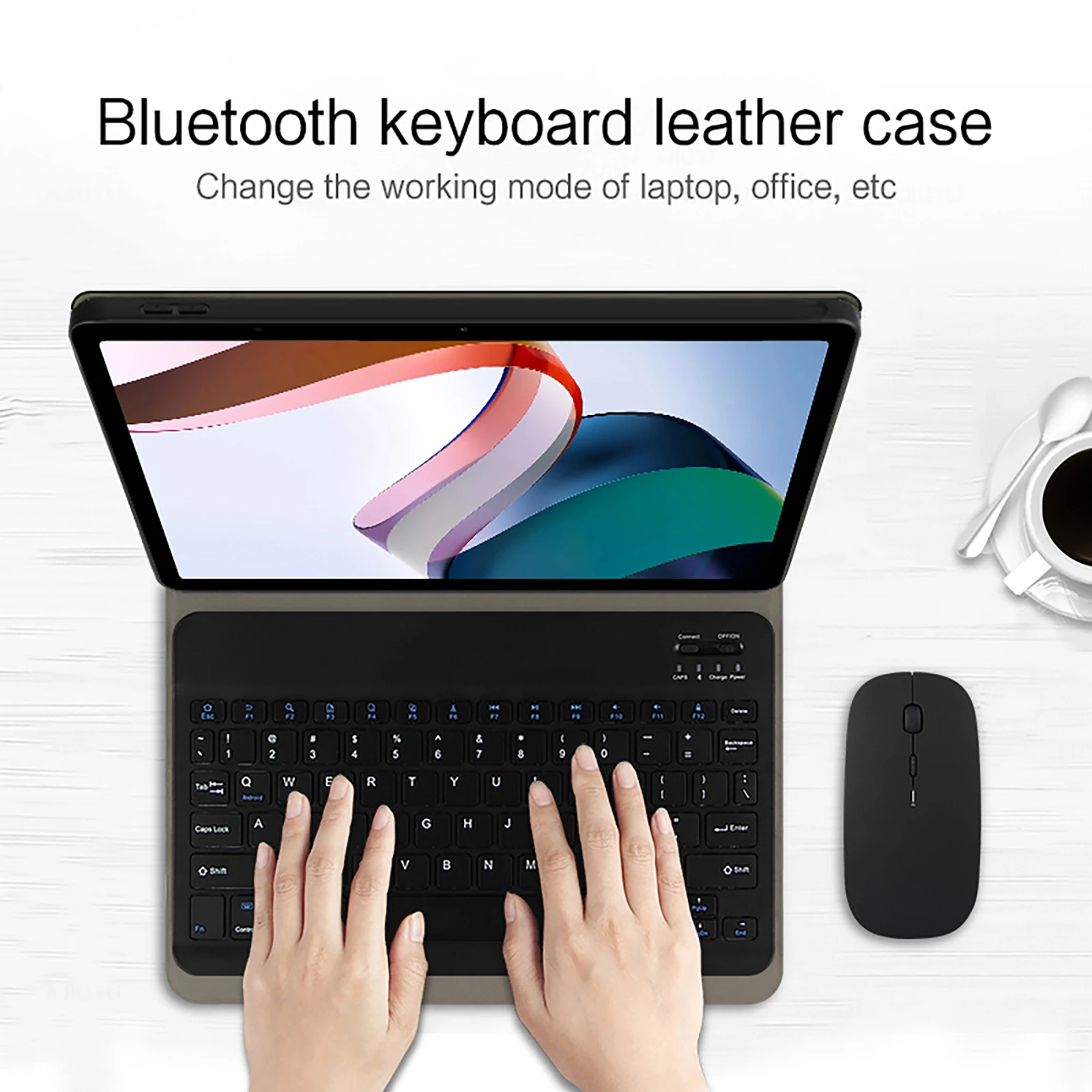
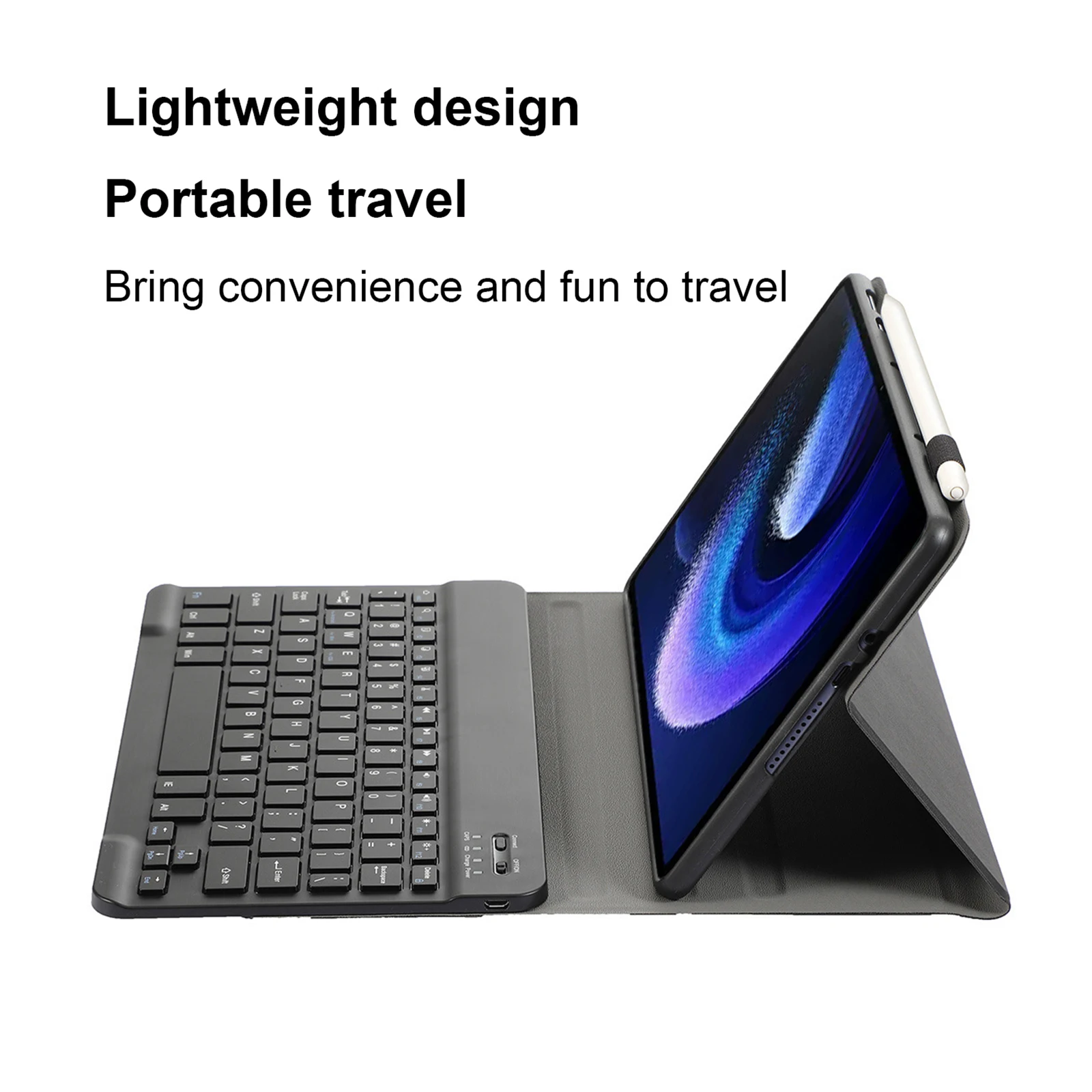
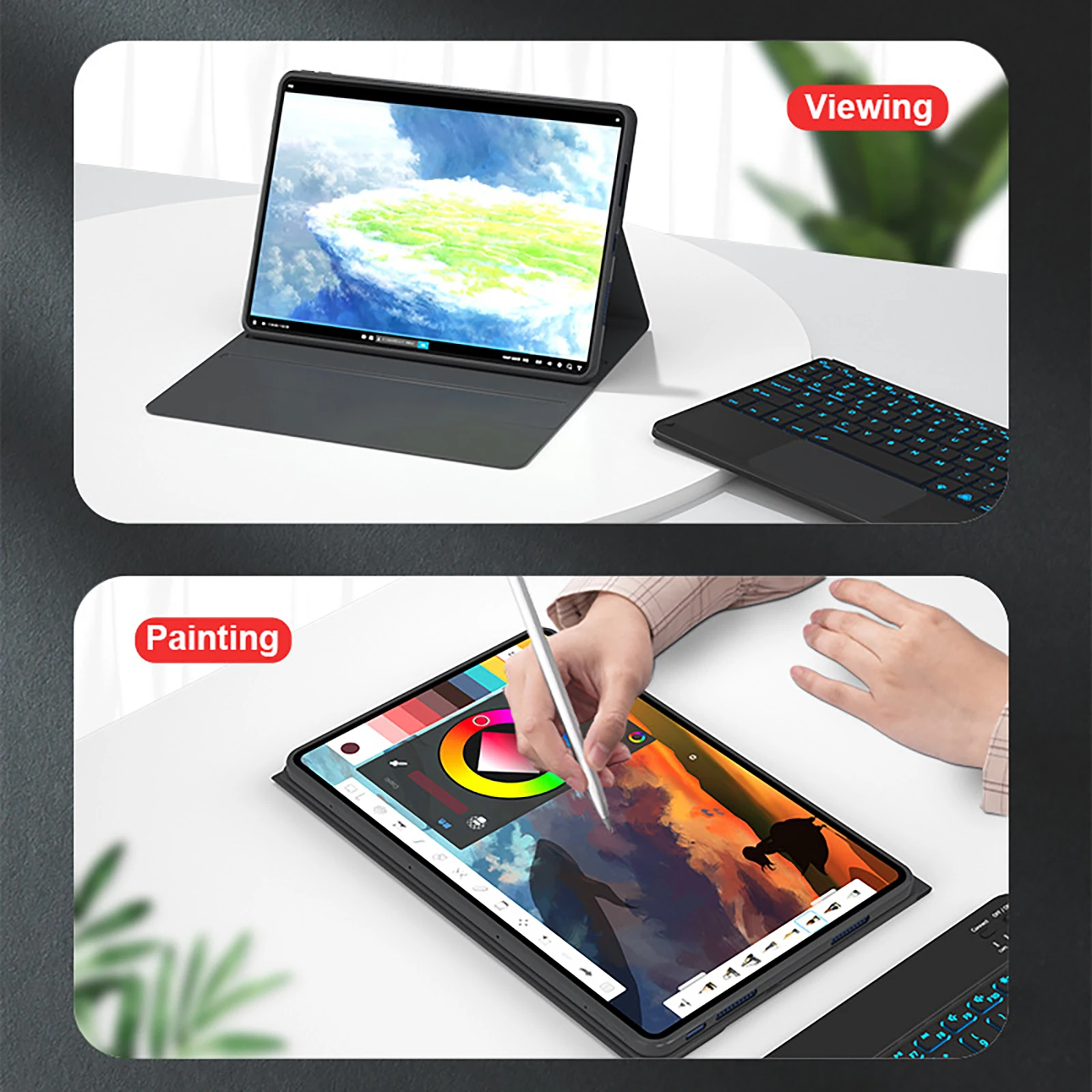
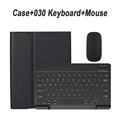
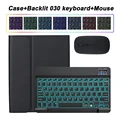
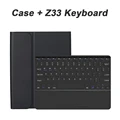
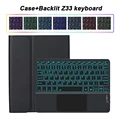
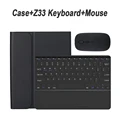
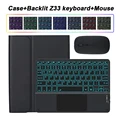
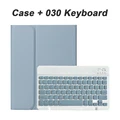
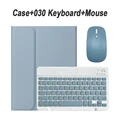
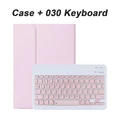

🔴 Introducing the Redmi Pad Pro 12.1 Inch Case with Keyboard Cover
⚪ This sleek and stylish case is custom-designed specifically for the Redmi Pad Pro 12.1-inch, ensuring a snug fit and optimal functionality for your device. The minimalist design not only protects your tablet but also provides an elegant and professional appearance suitable for any setting, whether you're working, studying, or enjoying entertainment.
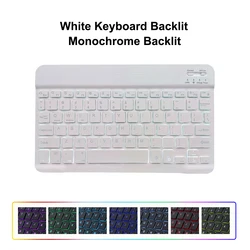
🔧 Keyboard Features:
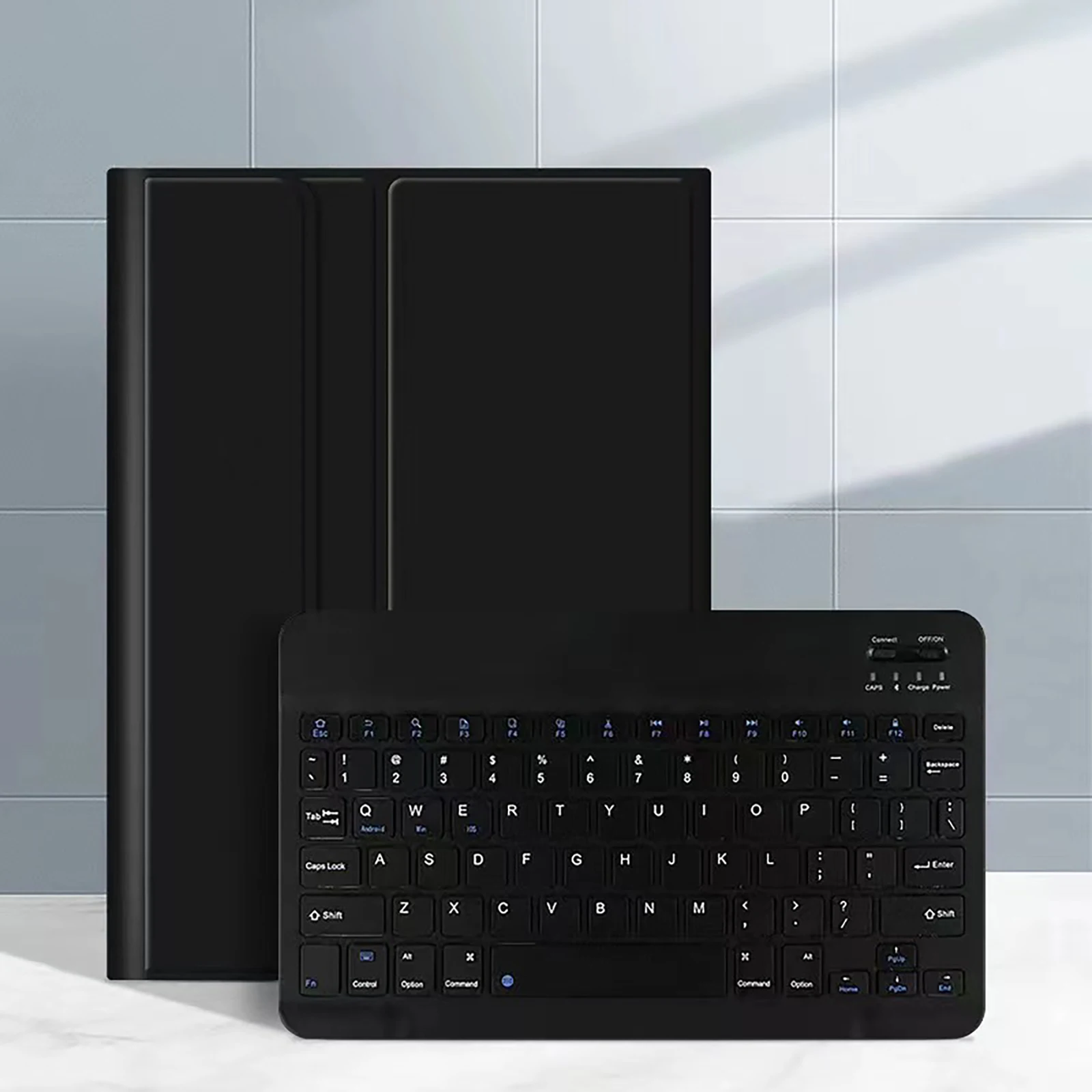
💍 The included keyboard cover features an English letter layout, making it perfect for users who primarily utilize the English language. Additionally, for those who prefer using a keyboard in other languages, it is equipped with the English layout alongside letters from that specific language, ensuring versatility for international users.
Product Note:
📦 It is essential to note that the digital tablet and stylus are not part of this package. The detailed description provided here serves as a reference; please refer to the actual product for accurate color representation.
Connecting Your Keyboard and Mouse:
Effortlessly connect your keyboard and mouse to your tablet with a simple sequence:
💍 Frequently Asked Questions:
🔘 Q: What should I keep in mind when connecting the mouse for the first time?
A: For initial connection, press and hold the left button, right button, and scroll wheel simultaneously for 3-5 seconds.
🔵 Q: Is the scroll direction on the mouse the same for USB and Bluetooth connections?
A: No, the scroll direction differs; USB connectors follow the standard mouse operation, while Bluetooth connections scroll in the opposite direction.
Q: How can I switch between operating systems on the keyboard?
A: To switch, use Fn+Q for Android, Fn+W for Windows, and Fn+E for iOS. Ensure to switch before connecting your tablet.
🔵 Q: What if the Bluetooth keyboard letters appear misaligned?
A: Follow these steps to resolve the issue:
🔘 Q: How do I configure the input method for different language keyboards?
A: Using a Samsung tablet as an example, navigate to "Settings > System > Language & input > Add New Keyboard". Follow similar paths on other devices based on their settings configurations.
Q: How can I change the mouse scroll wheel direction on the device?
A: Once connected, go to "General" > "Trackpad & Mouse" and disable "Natural Scrolling".
🧩 This versatile case not only enhances the functionality of your Redmi Pad Pro 12.1 Inch but also elevates your overall user experience. Enjoy the perfect blend of style and practicality!
Hvis denne varen ankommer etter leveringsdatoen som er oppgitt i kassen, vil du bli tilsendt en kredittkupong på €6,00 som du kan bruke på din neste bestilling