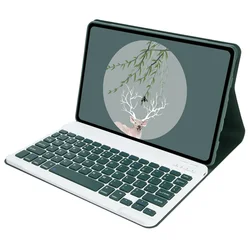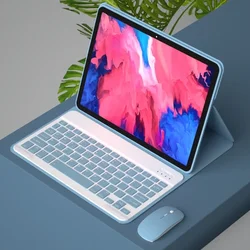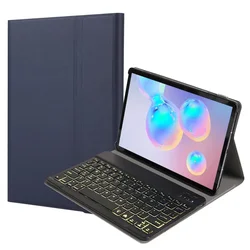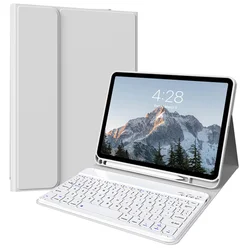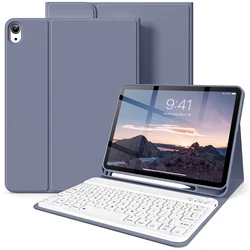
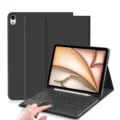
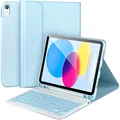

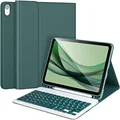


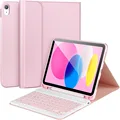

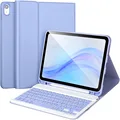
Elevate Your iPad Experience
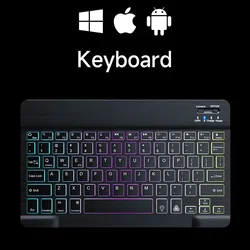
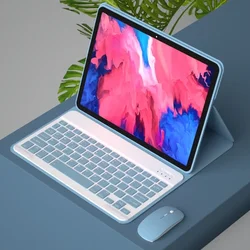
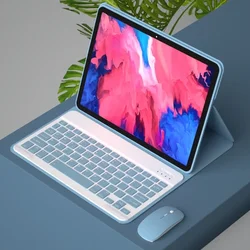
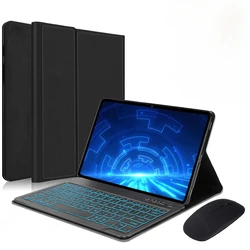
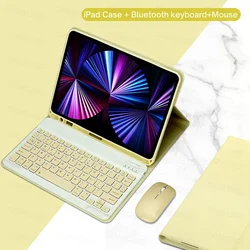
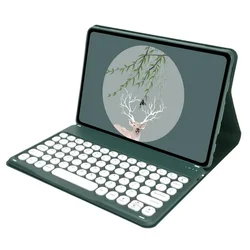
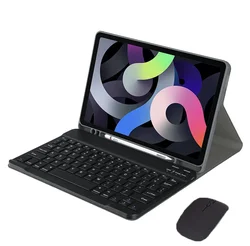
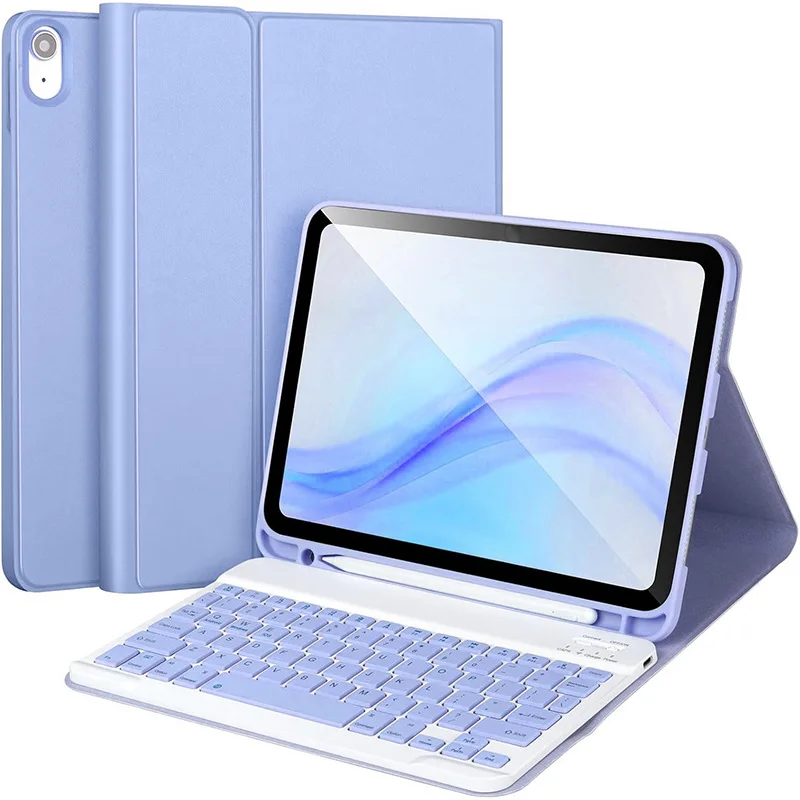
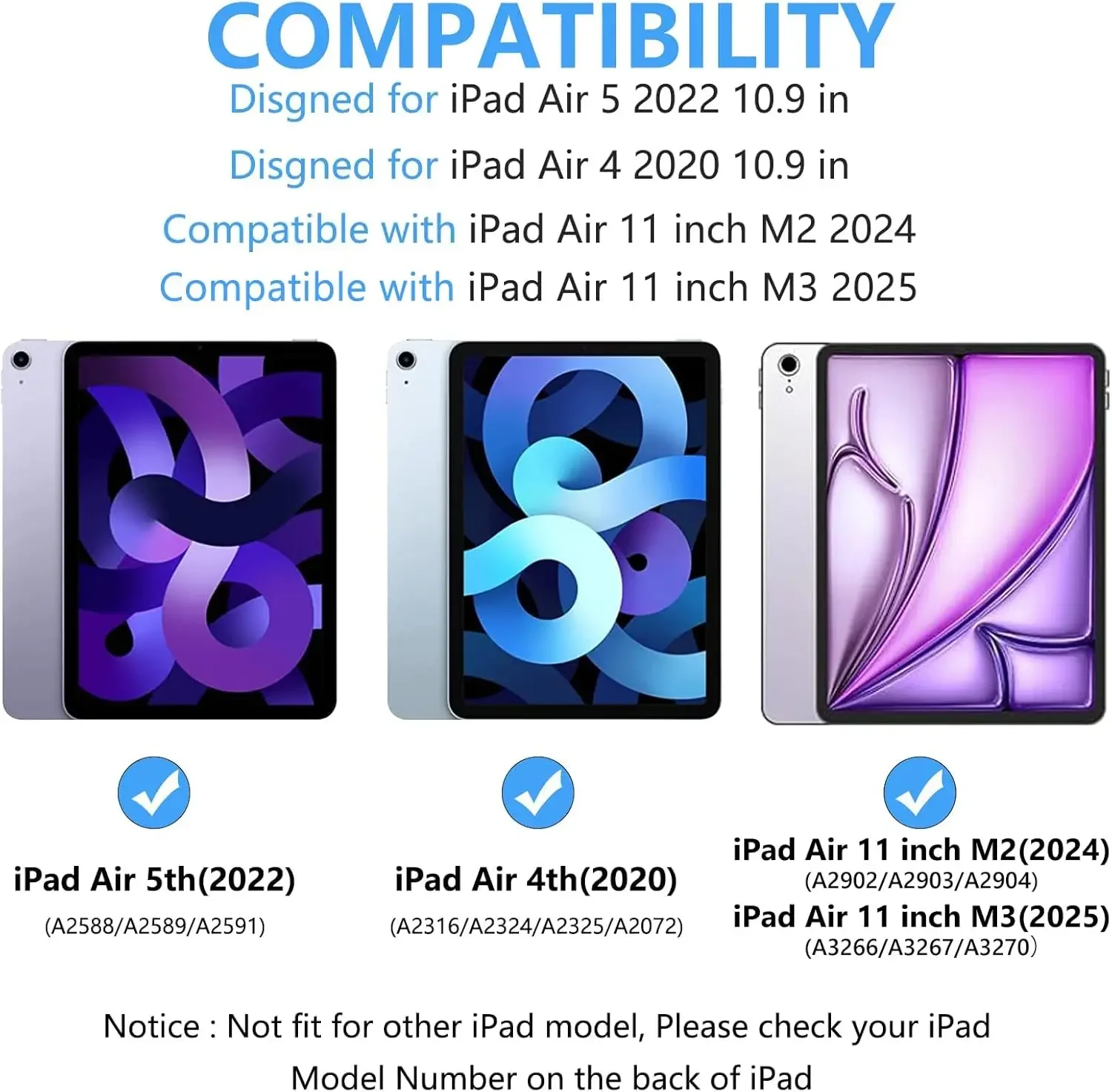
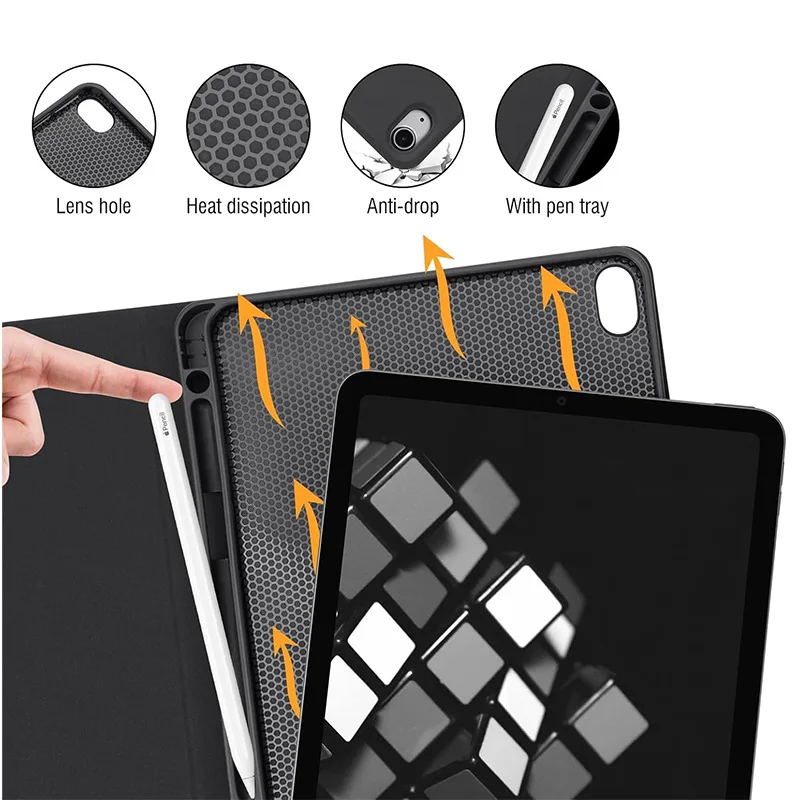
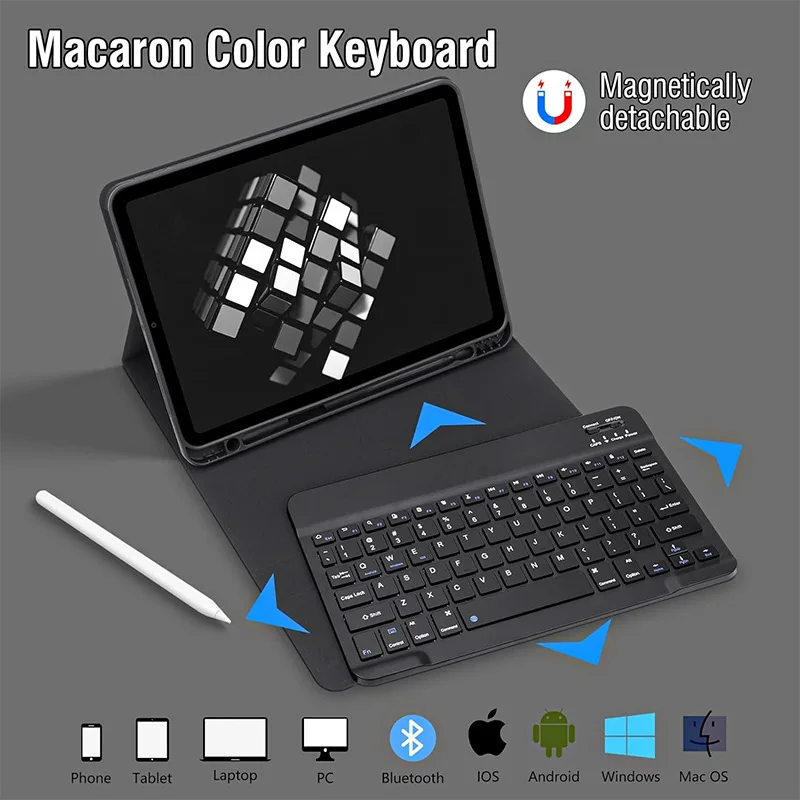
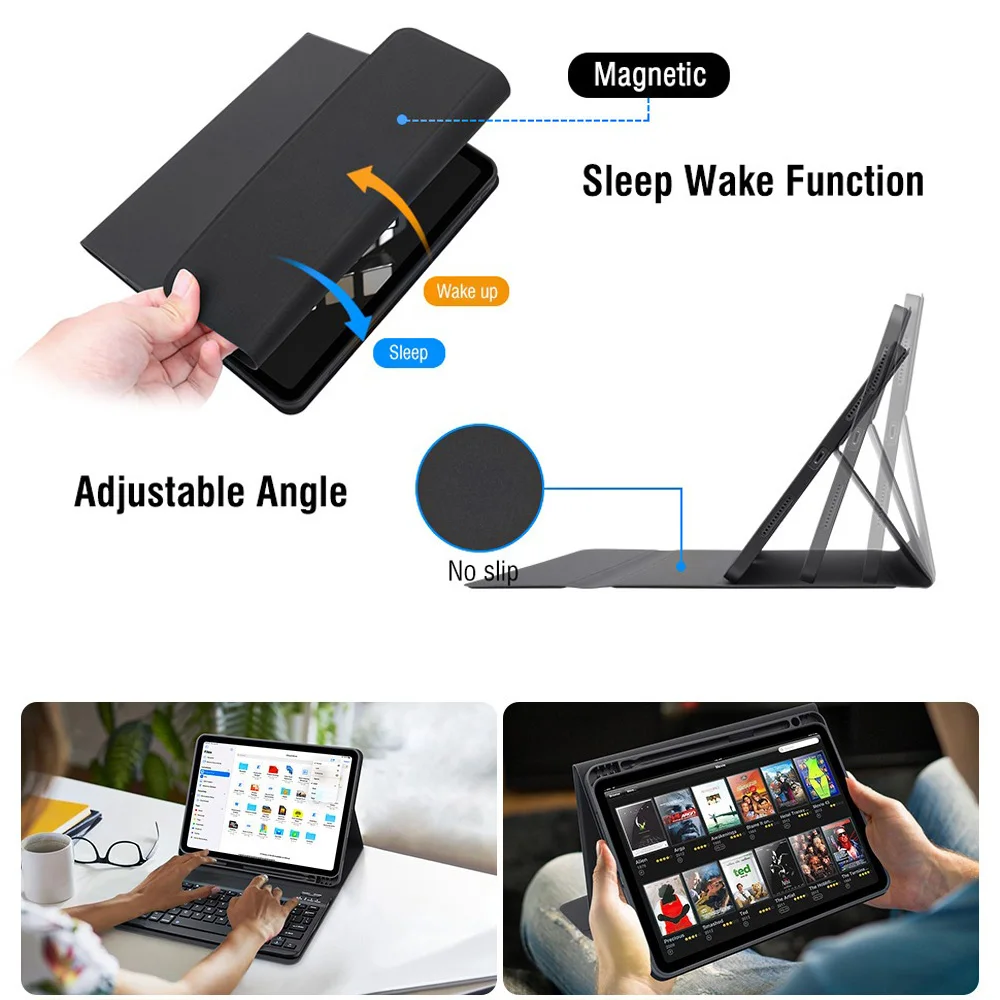
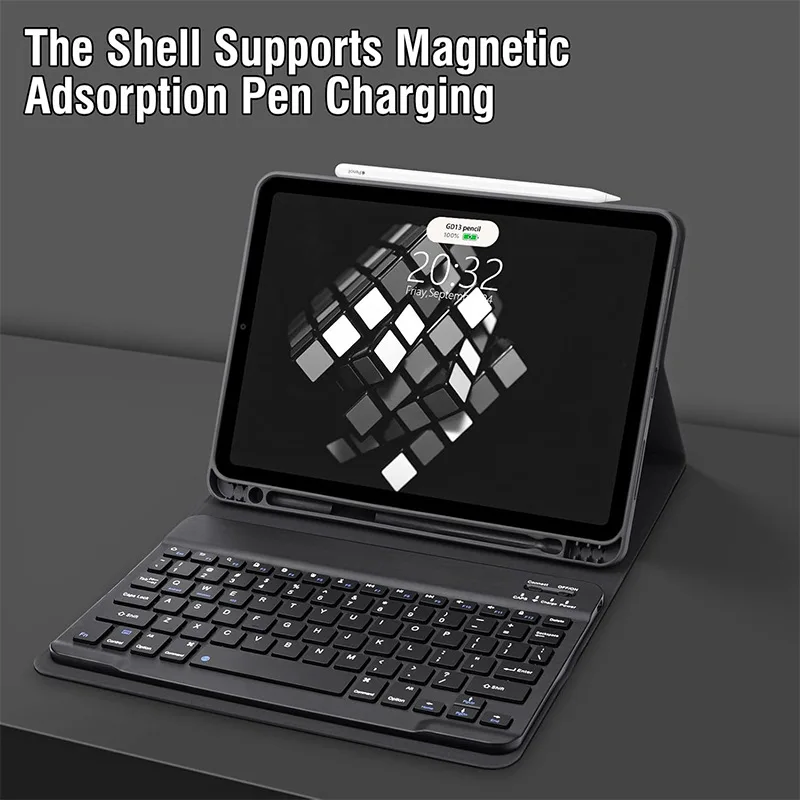
✨ Introducing an exceptional tablet case designed for the iPad Air 11-inch M2 (2024) and M3 (2025), as well as the iPad Air 5 (2022) and iPad Air 4th Generation (2020), boasting features that enhance both protection and functionality. This stylish case includes a versatile keyboard cover that transforms your tablet into a powerful productivity device, perfect for work, school, or leisure. The tactile keyboard provides a comfortable typing experience, enabling you to draft emails, write reports, or engage in creative projects effortlessly.
Compatibility Alert
🎯 To ensure the perfect fit for your device, we recommend verifying your iPad model. This protective case is specifically tailored for the following models:
📎 Note: The tablet and stylus are not included with the case. For accurate color representation and product details, please refer to the actual product image.
Effortless Keyboard Connection
Connecting the keyboard to your tablet is a breeze:
🔵 Switching Between Operating Systems
For convenience, you can easily toggle between different systems. Use the following key combinations before connecting your tablet:
🔵 If your Bluetooth keyboard inputs appear jumbled, follow these steps:
🧩 Customizing Your Keyboard Language Settings
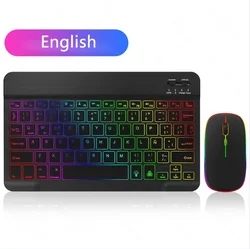
🧰 To configure the input method for various languages, follow the device-specific instructions— for instance, on a Samsung tablet, go to "Settings → System → Language & Input → Add New Keyboard." For other systems, adjust the settings in accordance with your device's guidelines.
🔗 This iPad Air case with keyboard cover is not just a protective accessory but a comprehensive solution for enhancing productivity and creativity on the go. Upgrade your device today!
Hvis denne varen ankommer etter leveringsdatoen som er oppgitt i kassen, vil du bli tilsendt en kredittkupong på €6,00 som du kan bruke på din neste bestilling