




Telefonsaker
Ladere og kabler
Gaming
Gadgets
Deksler til nettbrett og iPad
Kontoen din
Språk
Virksomhet
Telefondata
Kontakt oss
4.1 Google Shopping Vurdering Over 2 millioner kunder siden 2013 Basert i Europa Gratis leveringsbestilling over €20+

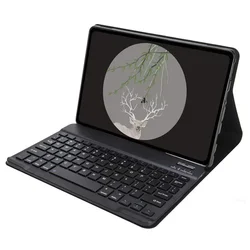
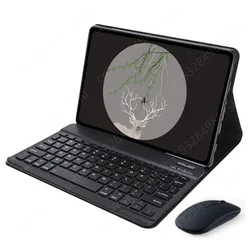
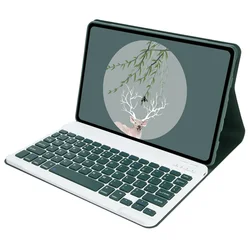
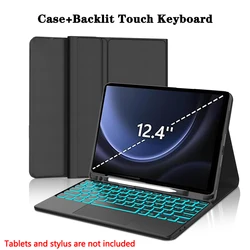
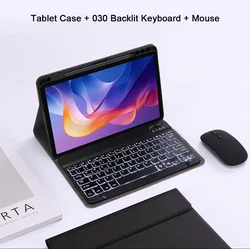
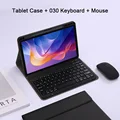
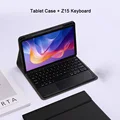
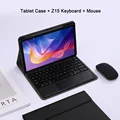
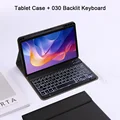
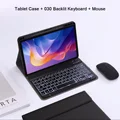
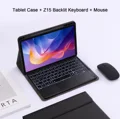
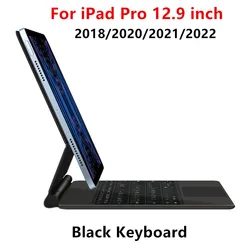
Enhanced Keyboard Case with Pencil Slot for Spanish (Black 3)

Enhanced Keyboard Case with Pencil Slot

🔴 Keyboard Case for Xiaomi Redmi Pad 2

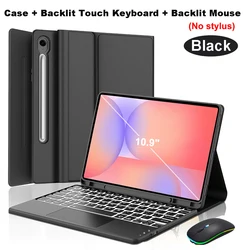
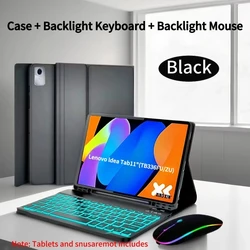
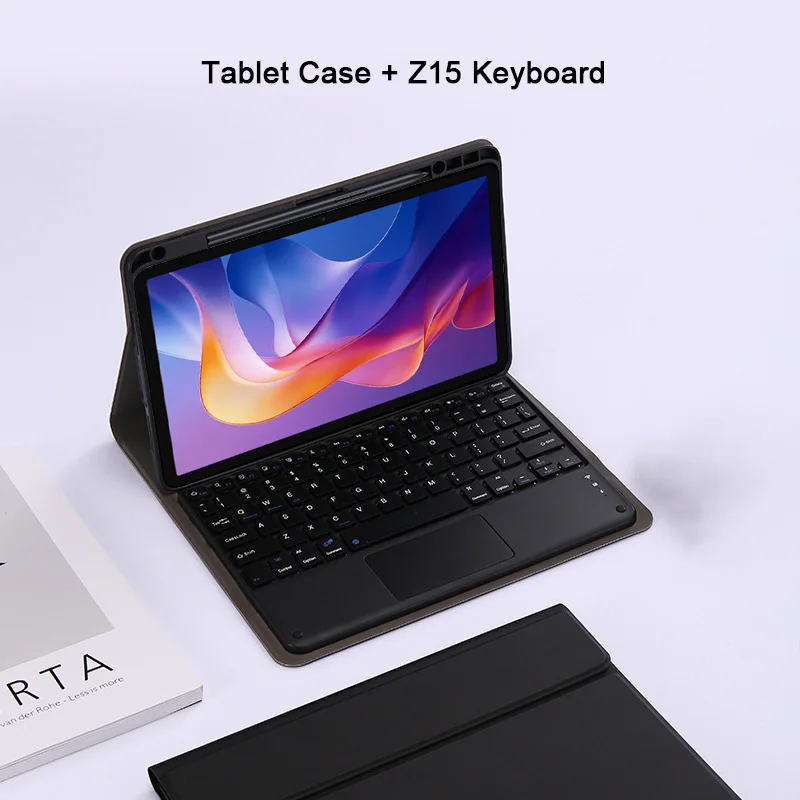
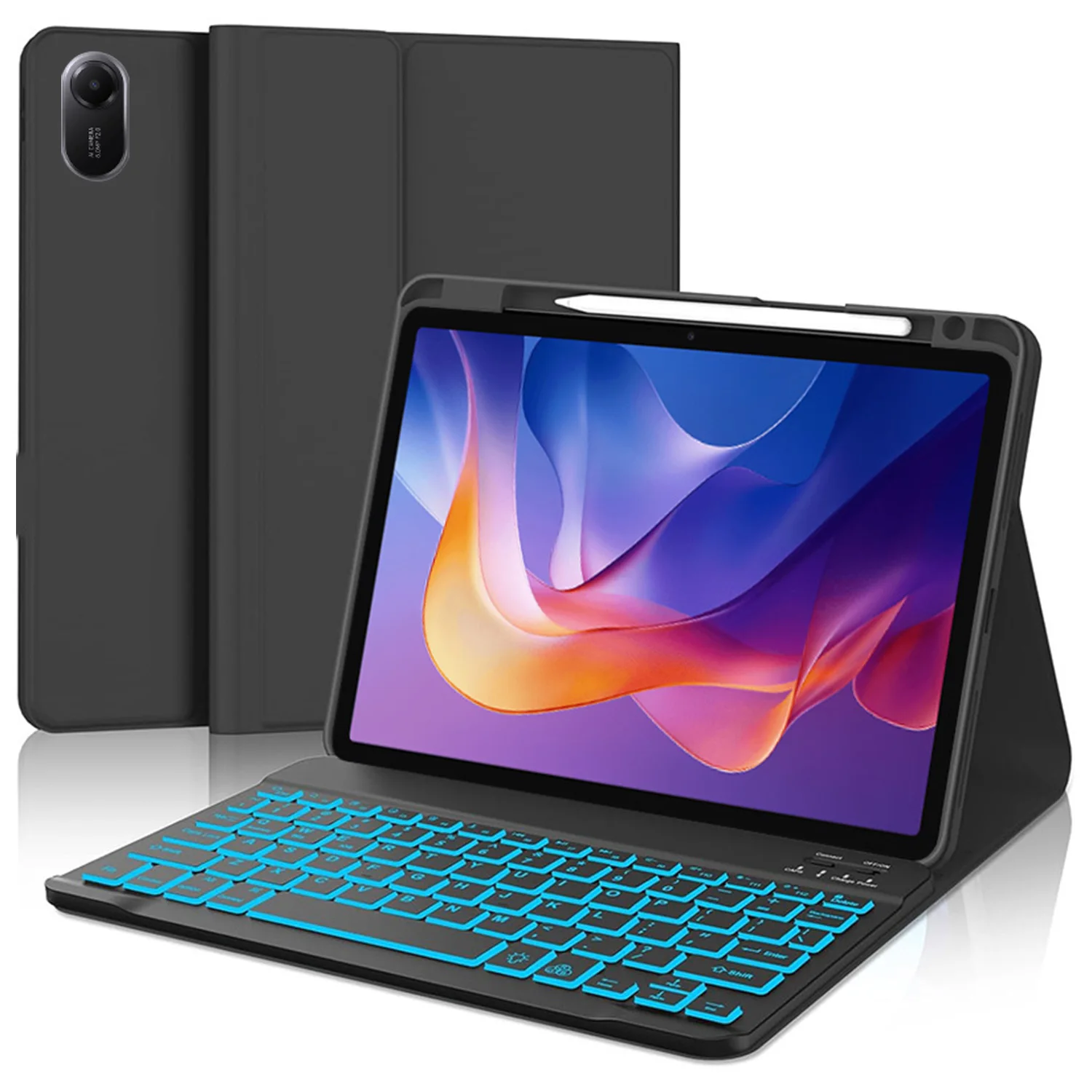
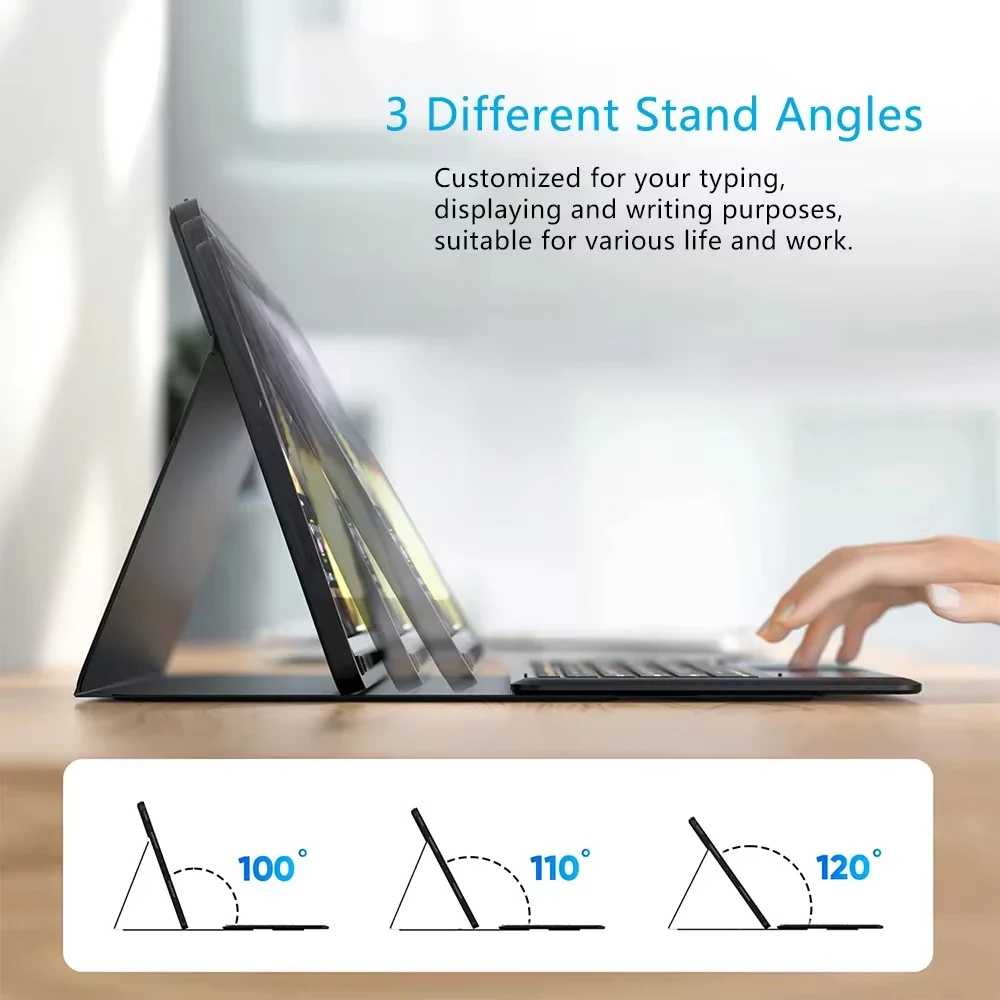
🔒 Introducing the ultimate Keyboard Case for the Xiaomi Redmi Pad 2, designed specifically for the 11-inch tablet model released in 2025. This high-quality keyboard cover combines functionality with a sleek design, offering a premium solution for tablet users who seek enhanced productivity and versatility. The case features a dedicated pencil slot, ensuring that your stylus is always within reach and securely stored when not in use.

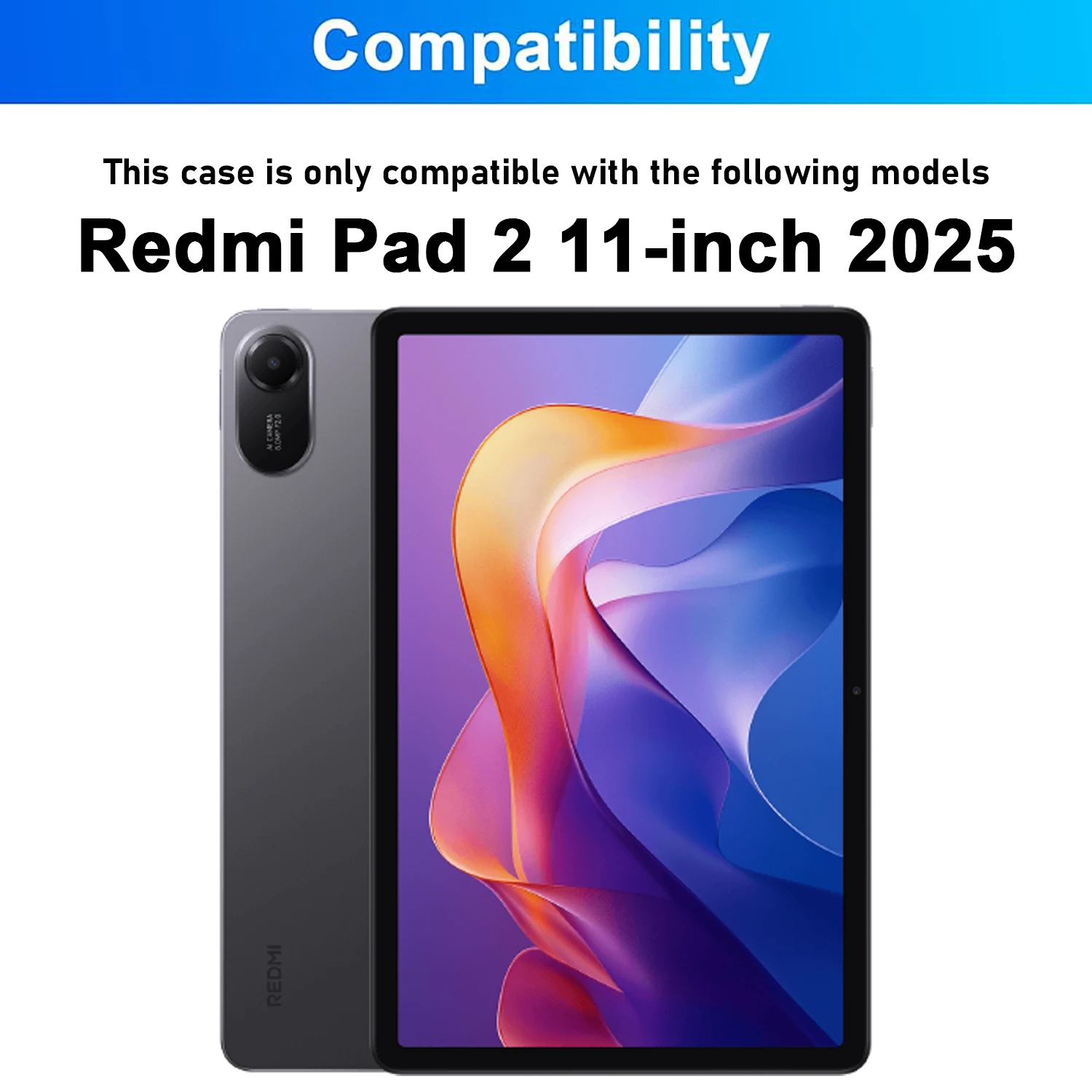
Compatibility

🔒 Before purchasing, please confirm that your tablet is indeed the Redmi Pad 2 11-inch (2025 model). You can verify the model by checking the back of the device or navigating to Settings > About > Model. This case is exclusively tailored to fit the specified model, ensuring a snug and secure fit.

Keyboard and Mouse Connectivity

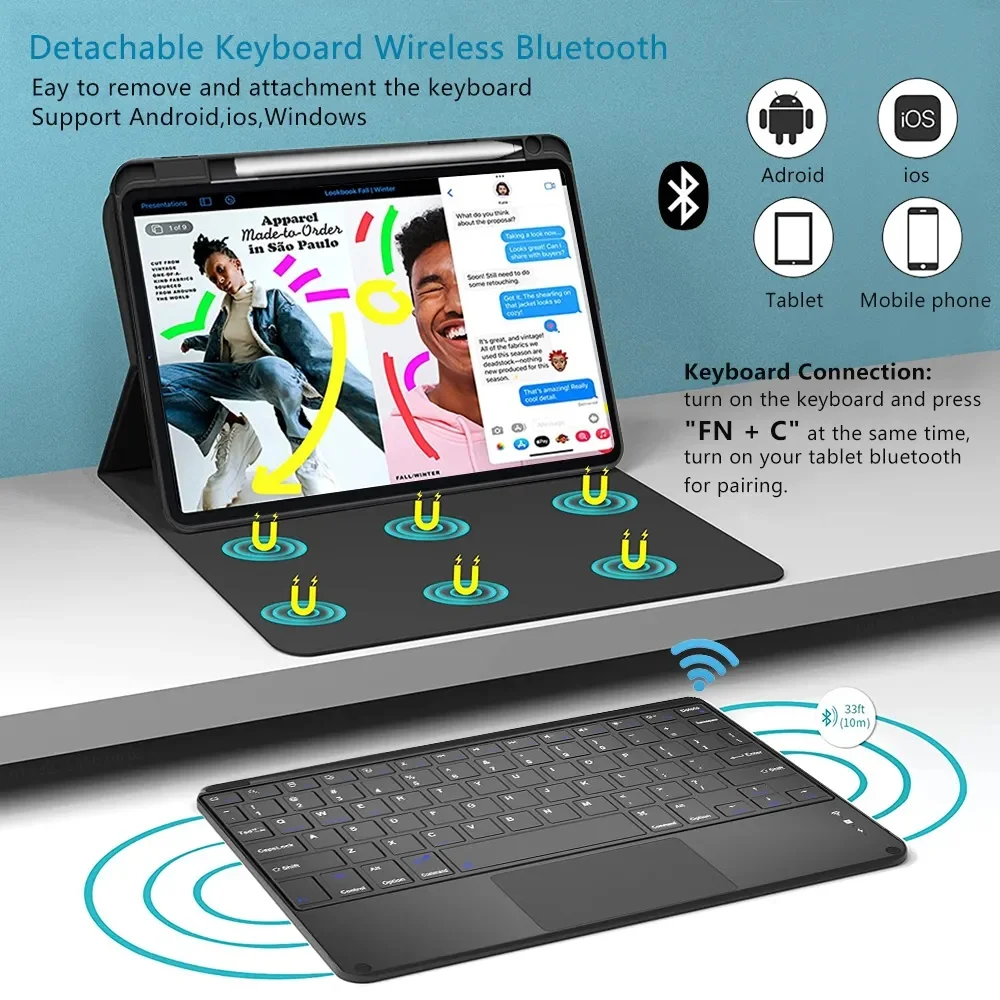
👌 The keyboard case seamlessly integrates with your tablet, making it easy to switch between devices. To connect a mouse and keyboard, simply follow these steps:

  1. Start by connecting your mouse: toggle the switch to the Bluetooth icon, then look for your mouse in the Bluetooth device list.
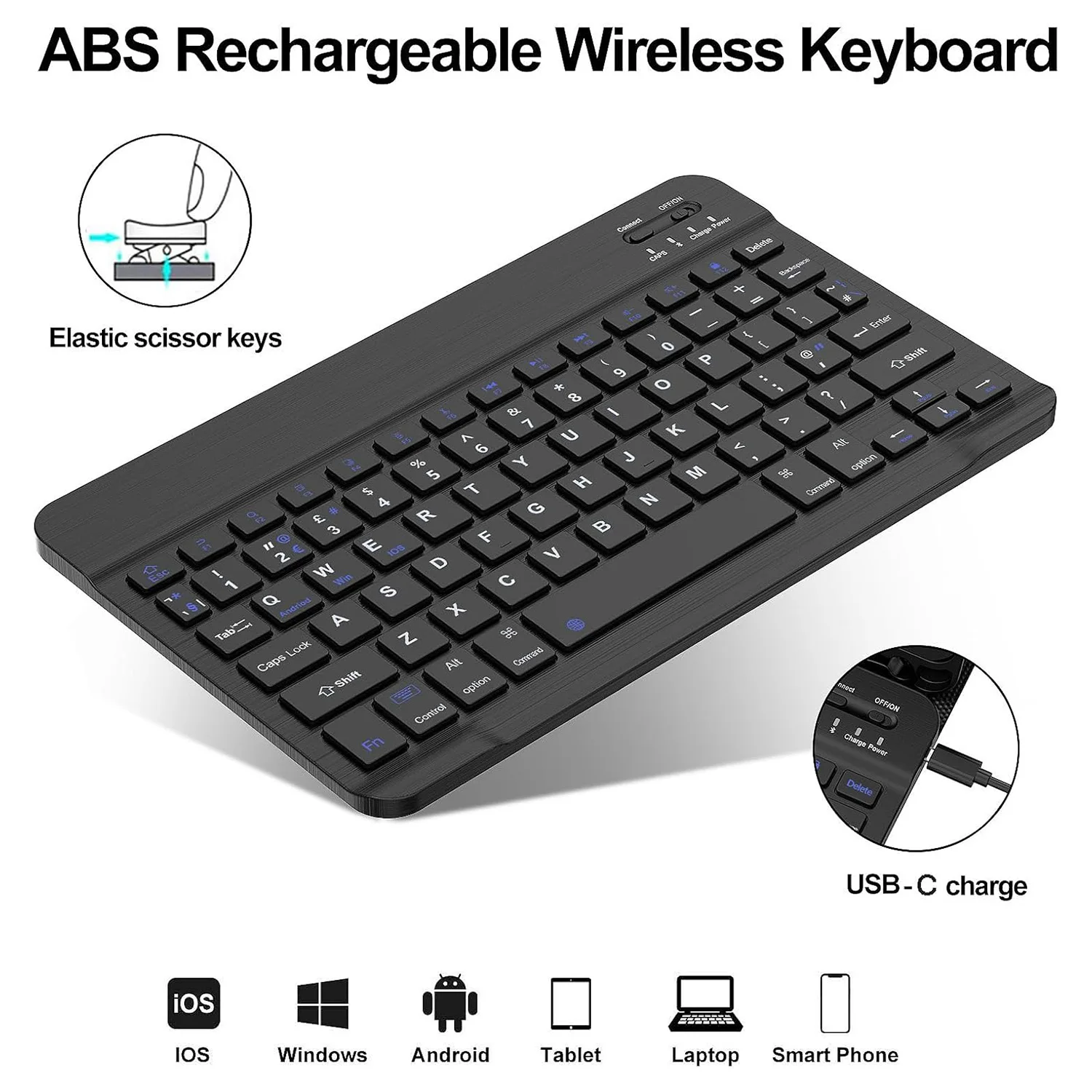
  2. Next, connect your keyboard: flip the switch located in the upper right corner to ON, press Connect, and find the keyboard on the Bluetooth list.
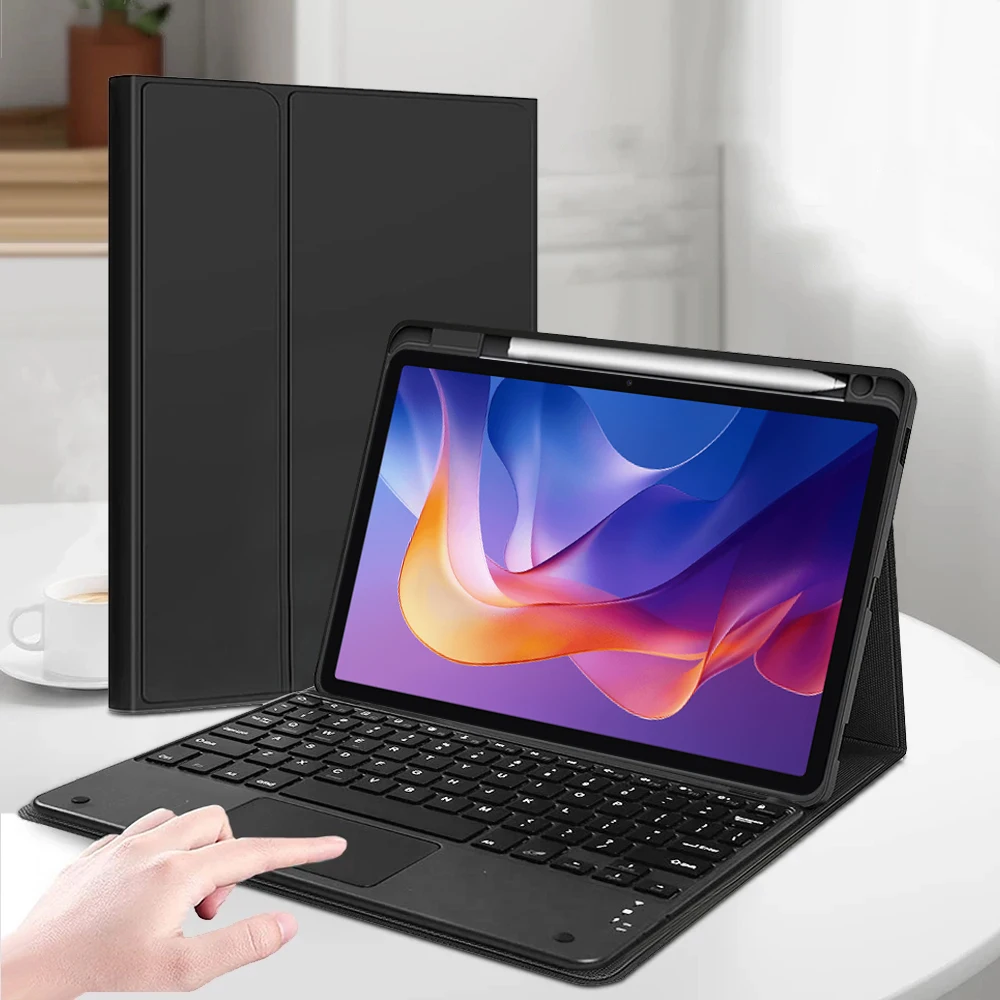
  3. If you're using a touchpad keyboard, open it, press Fn+C to activate it, and locate it in the Bluetooth settings of your tablet.

🔵 FAQs

🧈 For a smooth experience with your keyboard and mouse, here are some frequently asked questions:

  • Connecting the Mouse for the First Time: Ensure to press all three parts—the left button, right button, and scroll wheel—together for 3-5 seconds.
  • Scroll Direction: Note that the scrolling behavior varies between USB connector and Bluetooth connections; they operate differently.
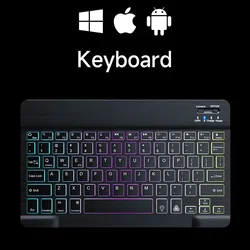
  • Switching Between Systems: Use Fn+Q for Android, Fn+W for Windows, and Fn+E for iOS, making sure to switch the setting before pairing your tablet.
  • Keyboard Layout Issues: If letters appear incorrect, ensure your device’s keyboard language is set to English and consider disconnecting and reconnecting your Bluetooth keyboard.
  • Input Method Configuration: On various devices, navigate to the input settings to add or adjust keyboard languages accordingly.

✨ This Keyboard Case for Xiaomi Redmi Pad 2 is designed to elevate your tablet experience by combining protection and functionality. With its stylish design, you can work or play on your tablet with ease and efficiency. Invest in this essential accessory to maximize the potential of your Xiaomi Redmi Pad 2!

€36.99 På lager
Mengde:
Farge: Black 3 Modell: Spanish
Kompatibel med Spanish

GRATIS LEVERING
Delivery Tirsdag 20. oktober - torsdag 22. oktober

€6.00 Leveringsgaranti til rett tid

Hvis denne varen ankommer etter leveringsdatoen som er oppgitt i kassen, vil du bli tilsendt en kredittkupong på €6,00 som du kan bruke på din neste bestilling

Hvorfor velge SDTEK?
Over 2 millioner kunder siden 2013
4.1 Google Shopping-vurdering
Flott Trustpilot-vurdering
Rask levering over hele verden
14 dagers enkel retur
24 timers kundeservice
Kjøper du for bedriften din?
Masserabatter tilgjengelig på dette produktet
Se våre mengderabatter og forretningspriser

Andre saker for Spanish

Se alt Spanish saker >>