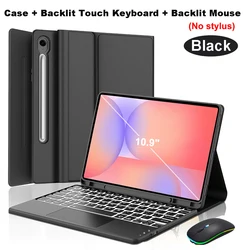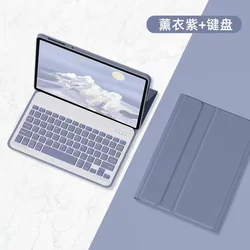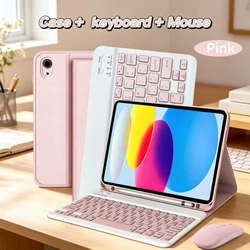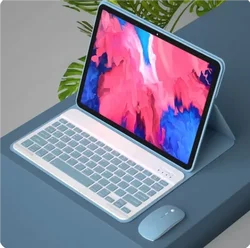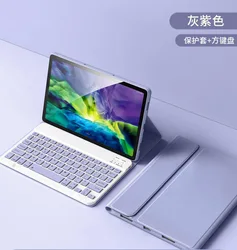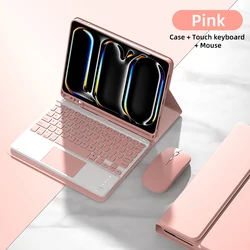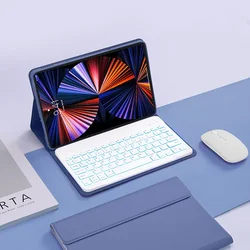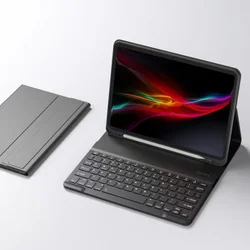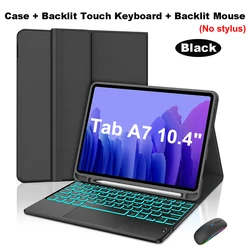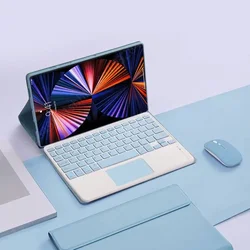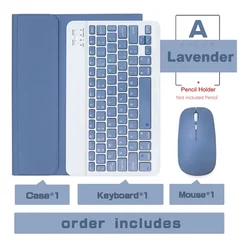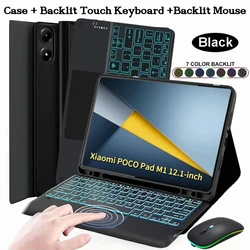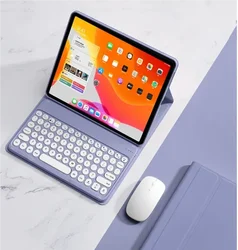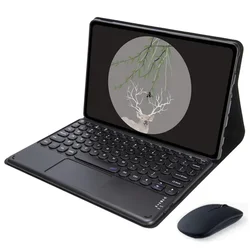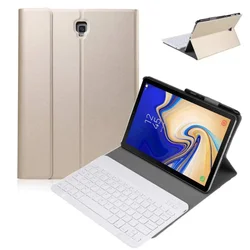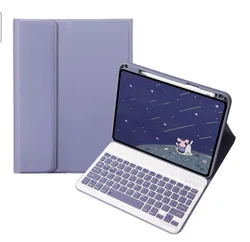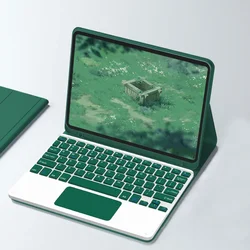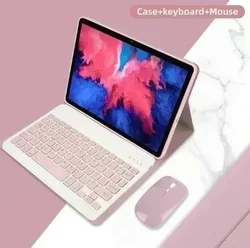




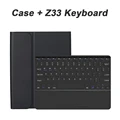
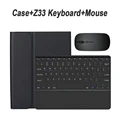
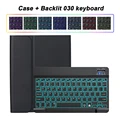
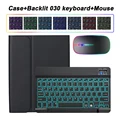
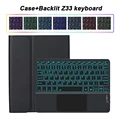
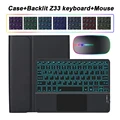
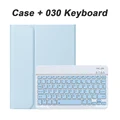
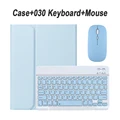
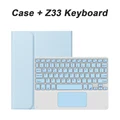
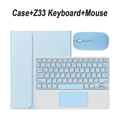
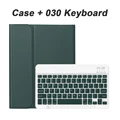
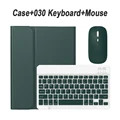
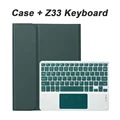
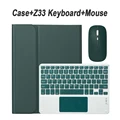
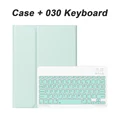
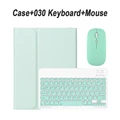
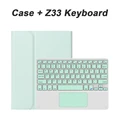
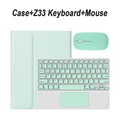
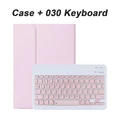
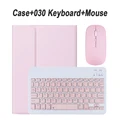
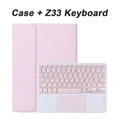
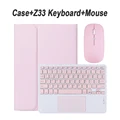
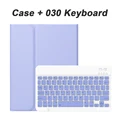
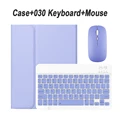
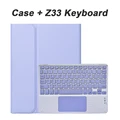
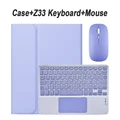
Samsung Galaxy Tab S6 Lite 10.4-inch Case and Keyboard Case
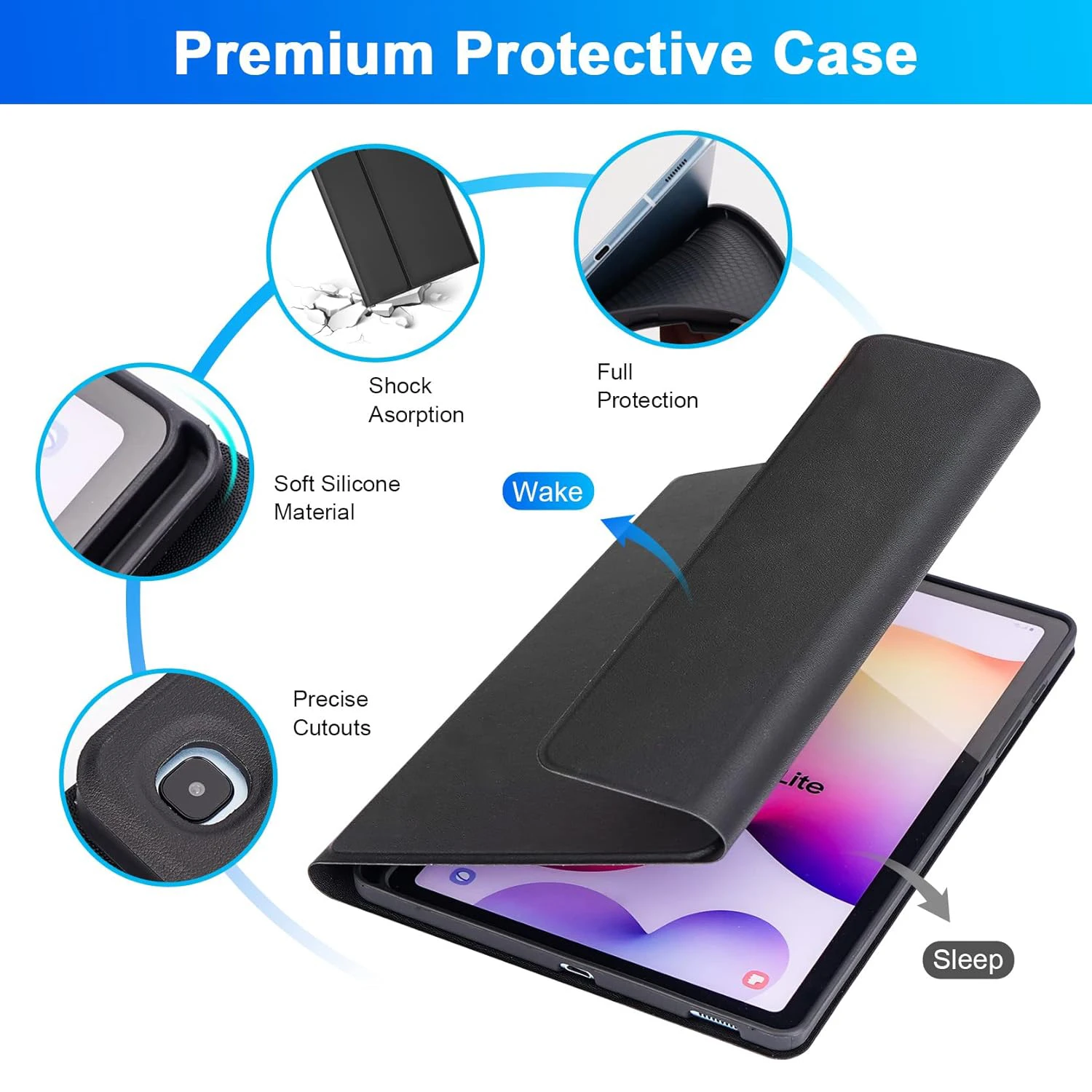
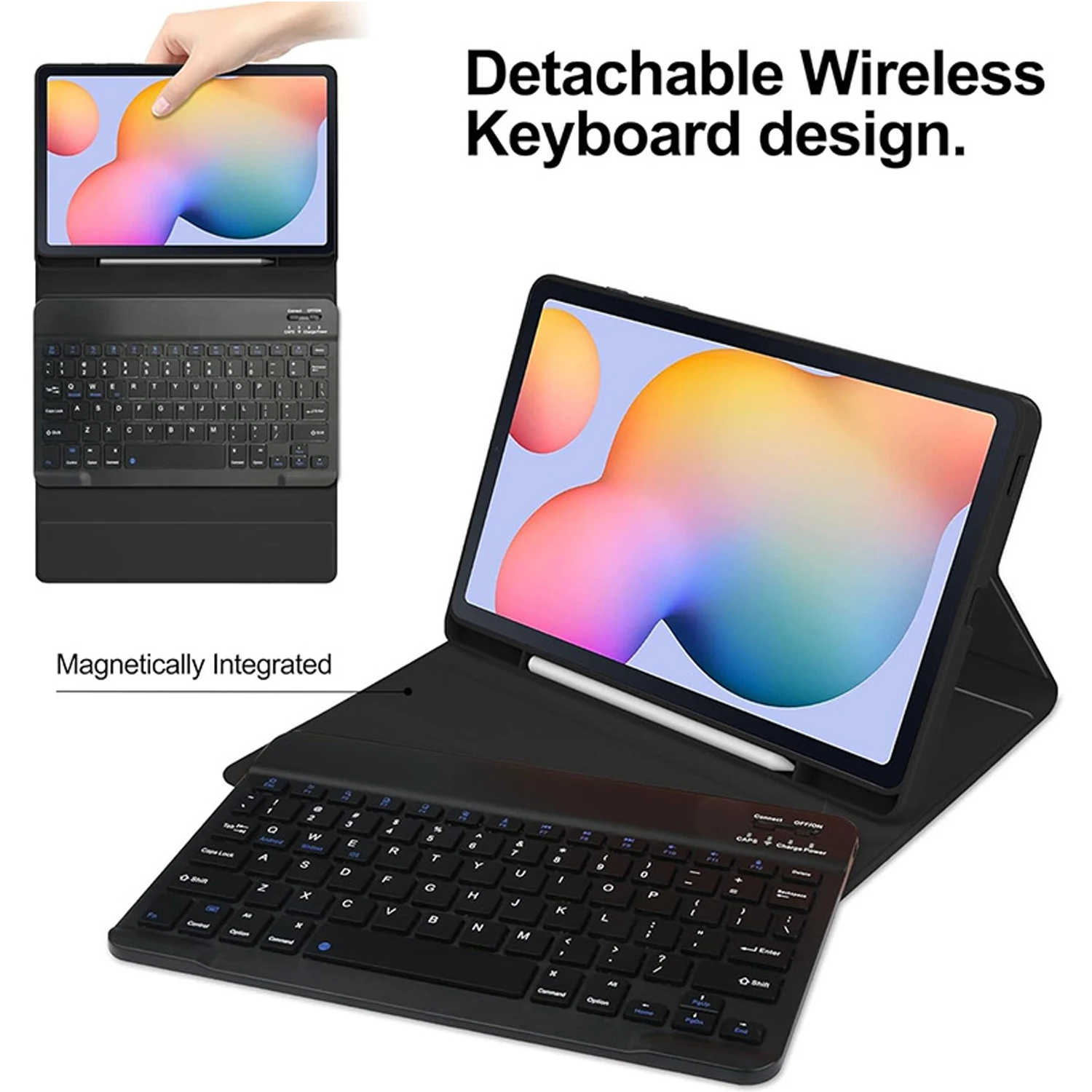
🎯 The Samsung Galaxy Tab S6 Lite 10.4-inch case is expertly designed to provide maximum protection and functionality for your tablet. This case is tailored specifically for the SAMSUNG Galaxy Tab S6 Lite 10.4-inch models, ensuring a perfect fit for both the 2024 (SM-P620/P625) and the earlier 2022 (SM-P613/P619) and 2020 (SM-P610/P615/P617) versions. Please confirm your model to ensure compatibility.
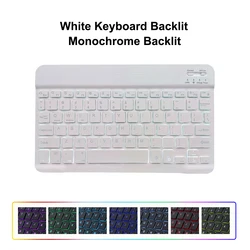
🔧 Features of the Keyboard:
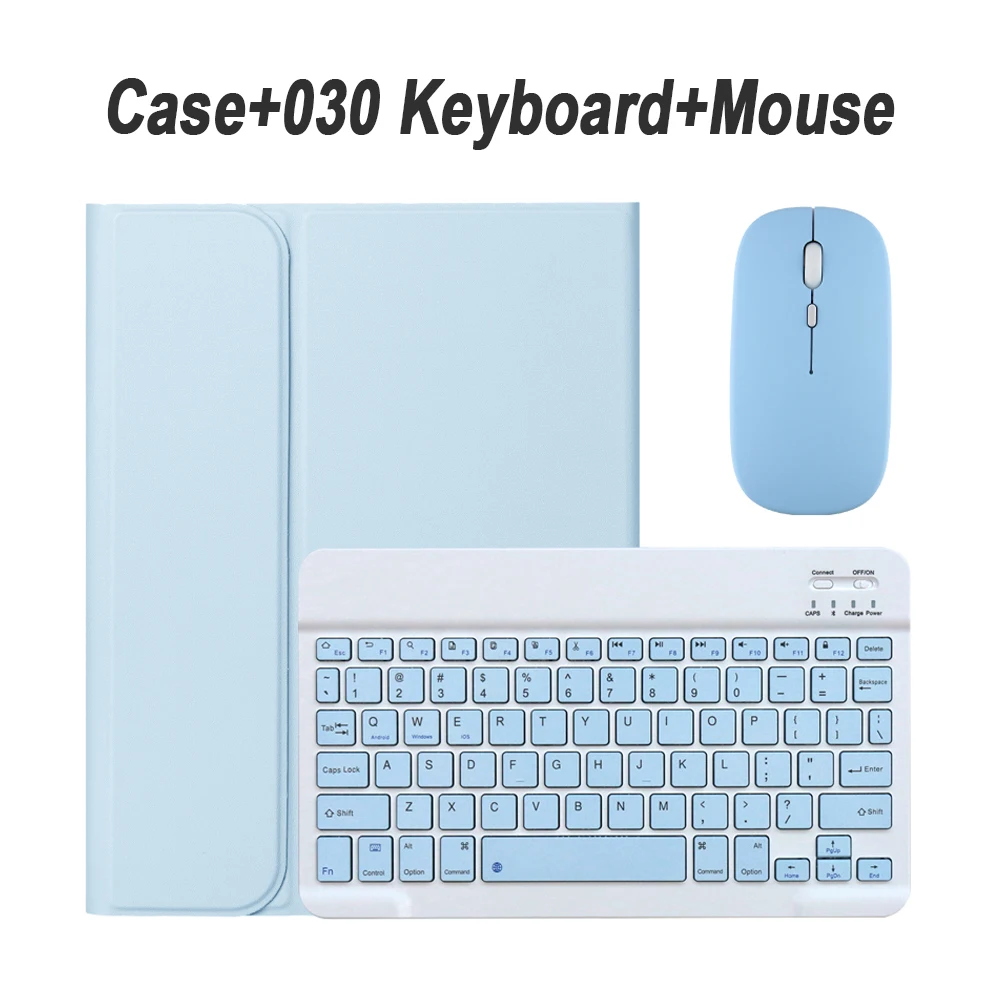
🔊 The included keyboard boasts an English letter layout, making it an ideal choice for English-speaking users. Additionally, if you require a multilingual setup, this keyboard also features an English layout alongside layouts for other languages. This allows for versatility and ease of use for non-English speakers.
Notes on Product Contents:
📎 Please be aware that the tablet and stylus are not included with the case. The description provided serves as a guide; for an accurate representation, please consult the actual product.
Connecting Your Devices:
🧰 Setting up your keyboard and mouse is straightforward:
💍 Frequently Asked Questions:
Q: How do I connect the mouse for the first time?
🔘 A: When pairing the mouse initially, simultaneously press the left button, right button, and the scroll wheel for about 3-5 seconds.
🔵 Q: Are there differences in scroll direction between USB and Bluetooth connections?
🔵 A: Yes, the scroll directions differ. With a USB connection, the scroll wheel moves as expected, while with Bluetooth, the scrolling is reversed.
Q: How can I switch between different operating systems?
A: Use the following shortcuts: Fn+Q for Android, Fn+W for Windows, and Fn+E for iOS. Be sure to switch before connecting your tablet.
Q: What should I do if the keyboard letters appear scrambled?
🔵 A: Ensure your device is set to the correct keyboard layout. Disconnect the keyboard's Bluetooth connection, ignore the device, re-enable the keyboard, and select the system again (Fn+E for iOS, Fn+Q for Android, or Fn+W for Windows). If necessary, reset the keyboard by pressing L, S, and Z simultaneously.
Q: How can I configure the input method for various language keyboards?
🧰 A: For a Samsung tablet, navigate to "Settings" → "System" → "Language & input" → "Add New Keyboard." Settings for other systems can be adjusted similarly per their respective instructions.
Q: How do I change the scroll wheel direction for the mouse?
A: After connecting the mouse, go to "General" → "Trackpad & Mouse" on your device, and toggle off "Natural Scrolling" to adjust the scroll direction.
🛡️ This Samsung Galaxy Tab S6 Lite case and keyboard setup is the ultimate accessory for enhancing your tablet experience, providing both protection and enhanced productivity wherever you go.
Hvis denne varen ankommer etter leveringsdatoen som er oppgitt i kassen, vil du bli tilsendt en kredittkupong på €6,00 som du kan bruke på din neste bestilling