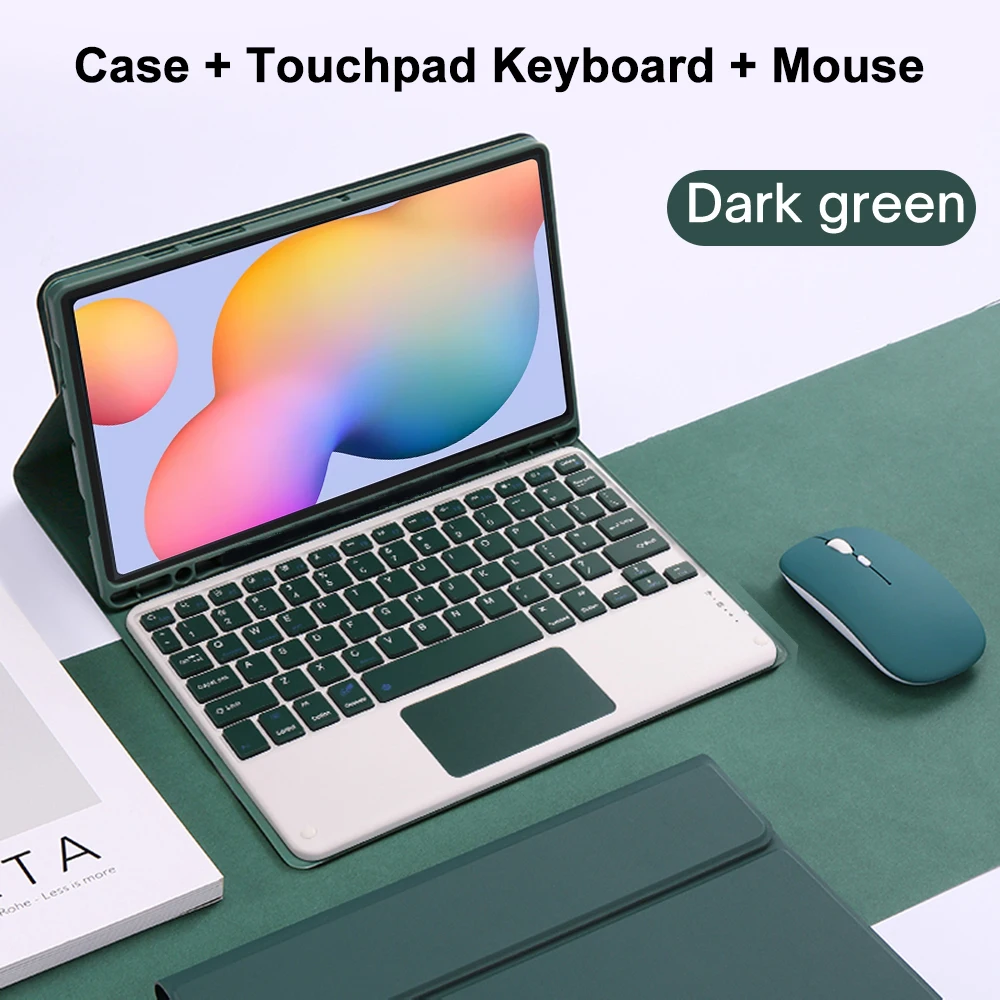
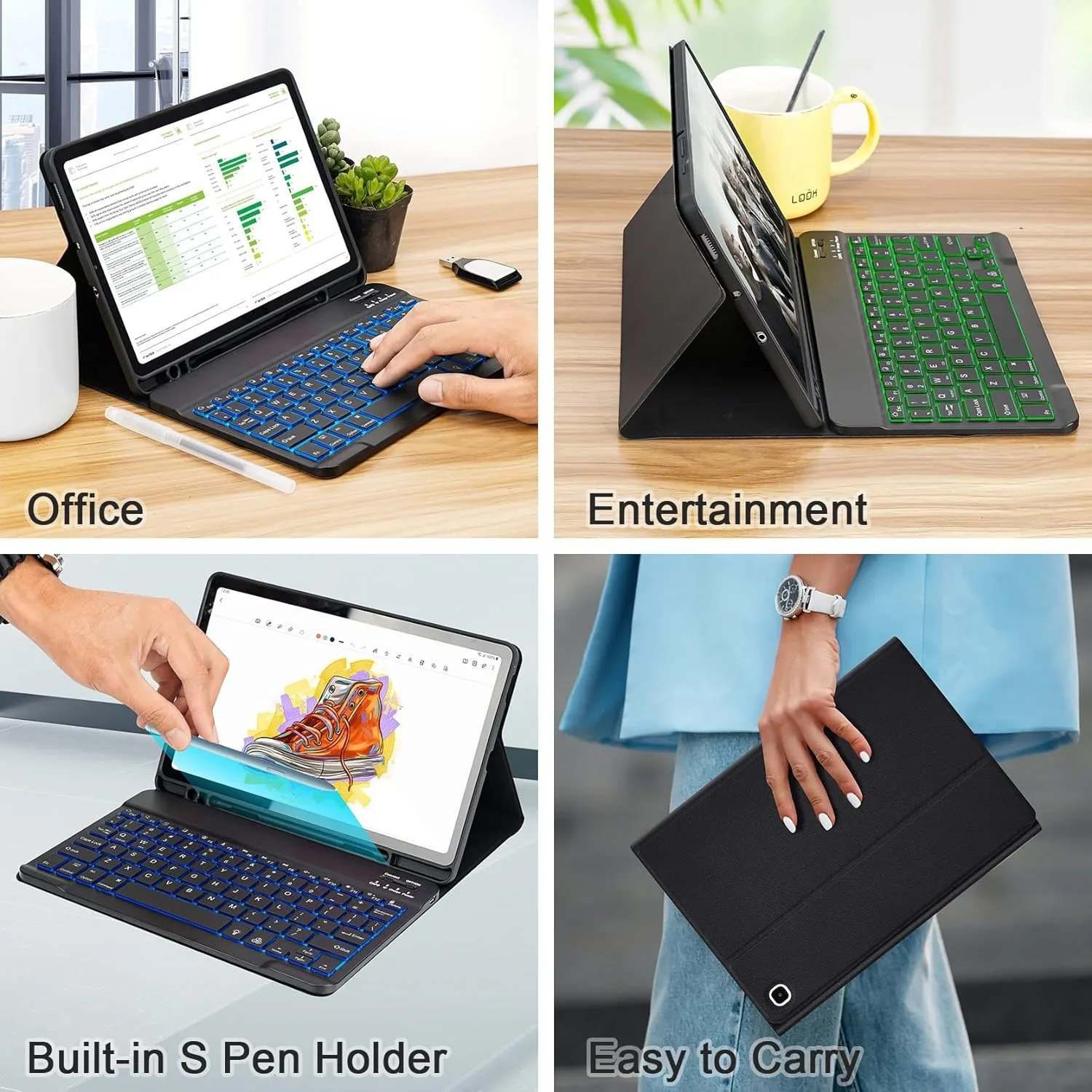
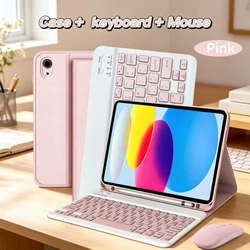
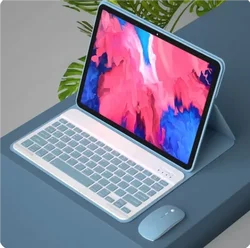
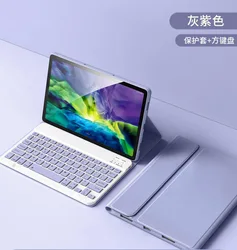
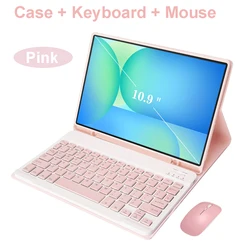
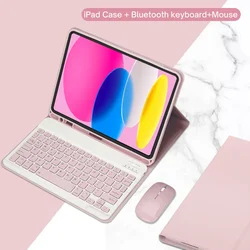
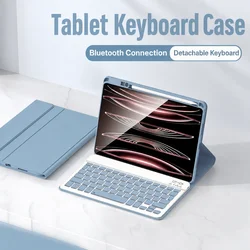
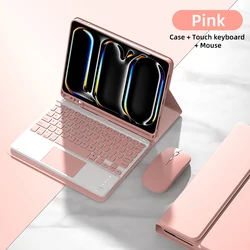
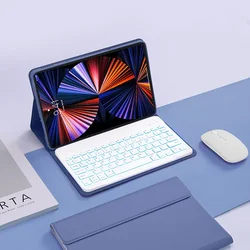
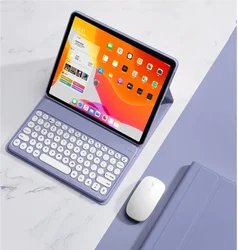
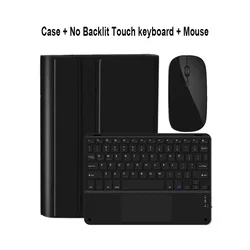
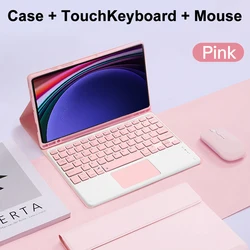
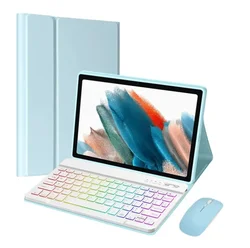
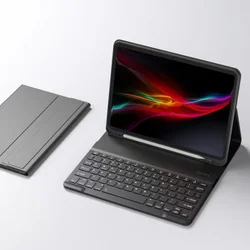
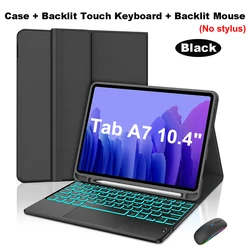
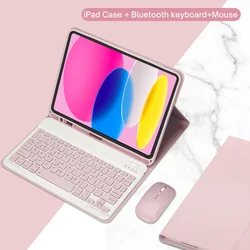
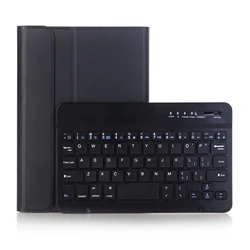
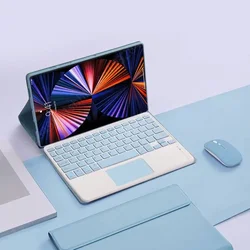
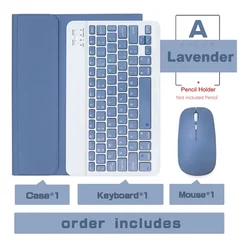
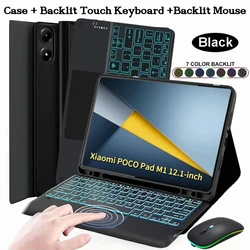
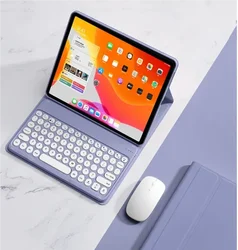
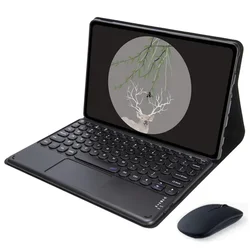
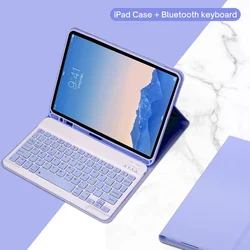
Introducing the Ultimate Case with Detachable Keyboard for Samsung Galaxy Tab S6 Lite (10.4 Inch)
🎯 Designed Exclusively for Samsung Galaxy Tab S6 Lite: Engineered to fit the Samsung Galaxy Tab S6 Lite (SM-P610/P615/P613/P619) perfectly. Please verify your tablet model before purchase.
Keyboard Options:
- English Keyboard: Features only English letters.
- Multilingual Version Keyboard: Includes English letters along with inscribed language characters.
🔧 Ergonomic Design:
- Quiet Keys: Experience a comfortable, quiet rebounding typing experience.
- Micro Grinding Tactility: Enjoy a refined and responsive key texture for enhanced typing.
👑 Versatile and Elegant:
- Multiple Viewing Angles: Easily adjust to your preferred angle for optimal viewing and typing comfort.
- Color Options: Choose from a range of vibrant hues to add a touch of style to your tablet.
🔧 Advanced Features:
- Honeycomb Cooling Design: Innovative cellular heat dissipation ensures your tablet stays at a normal temperature.
- Bluetooth Connectivity: Connect seamlessly to any Bluetooth device, transforming your tablet into a notebook-ready powerhouse.
😎 Simple Connection Process:
- Step 1: Connect the mouse first, then the keyboard. Push the switch on the mouse to the Bluetooth icon and find "Mouse" in the device Bluetooth list.
- Step 2: For the keyboard, push the switch to "ON", press "Connect", and find "Keyboard" in the Bluetooth list. For the touchpad keyboard, press Fn+C to pair.
🔵 FAQ:
- First-time Mouse Connection: Press the left, right buttons, and scroll wheel simultaneously for 3-5 seconds.
- Scroll Direction: USB connector usage mirrors computer mouses; Bluetooth connection is the opposite.
- System Switching: Use Fn+Q for Android, Fn+W for Windows, and Fn+E for iOS before connecting the tablet.
- Messy Keyboard Letters: Ensure the device's keyboard language is set to English. Disconnect Bluetooth, click "Ignore" on the connected device, and reconnect selecting the appropriate system.
- Language Configuration: Configure language input via "Settings--System--Language & input--Add New Keyboard".
- Scroll Direction Change: Adjust scroll direction under "General - Trackpad & Mouse" and close "Natural Scrolling".
🔘 Enhance your Samsung Galaxy Tab S6 Lite experience with a case and detachable keyboard that marries functionality and style.