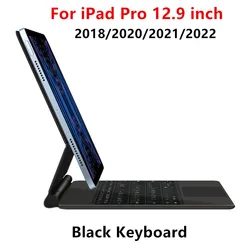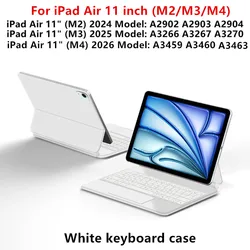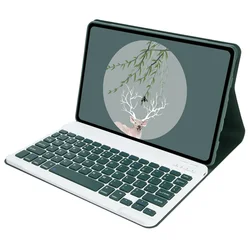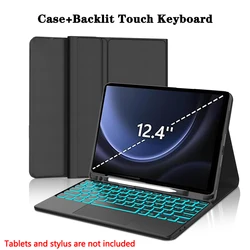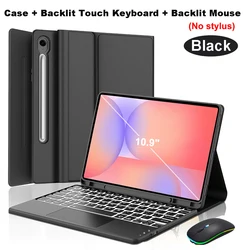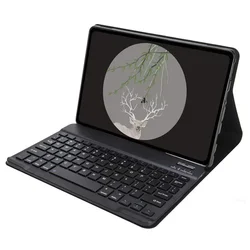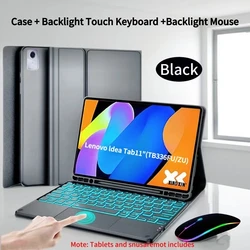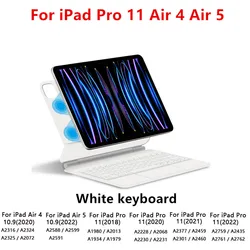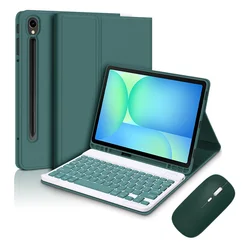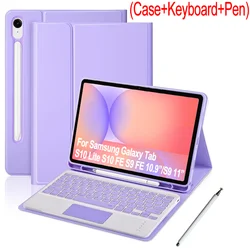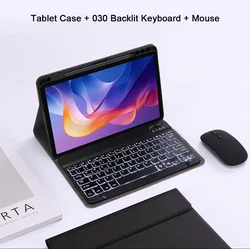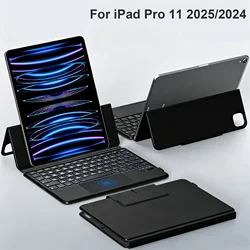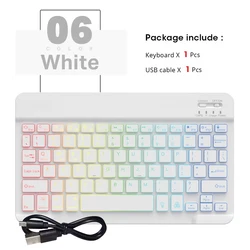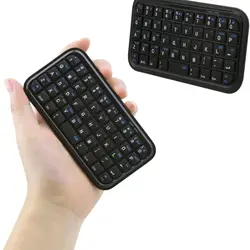
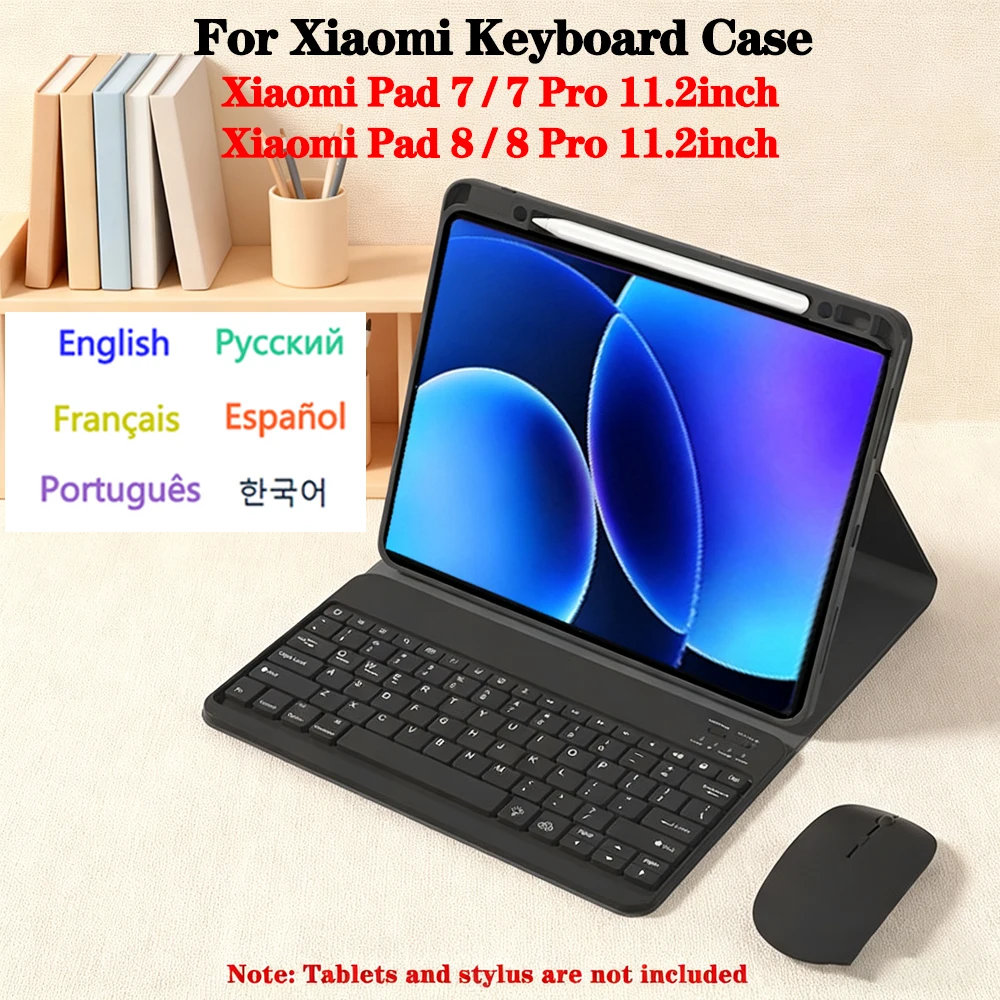
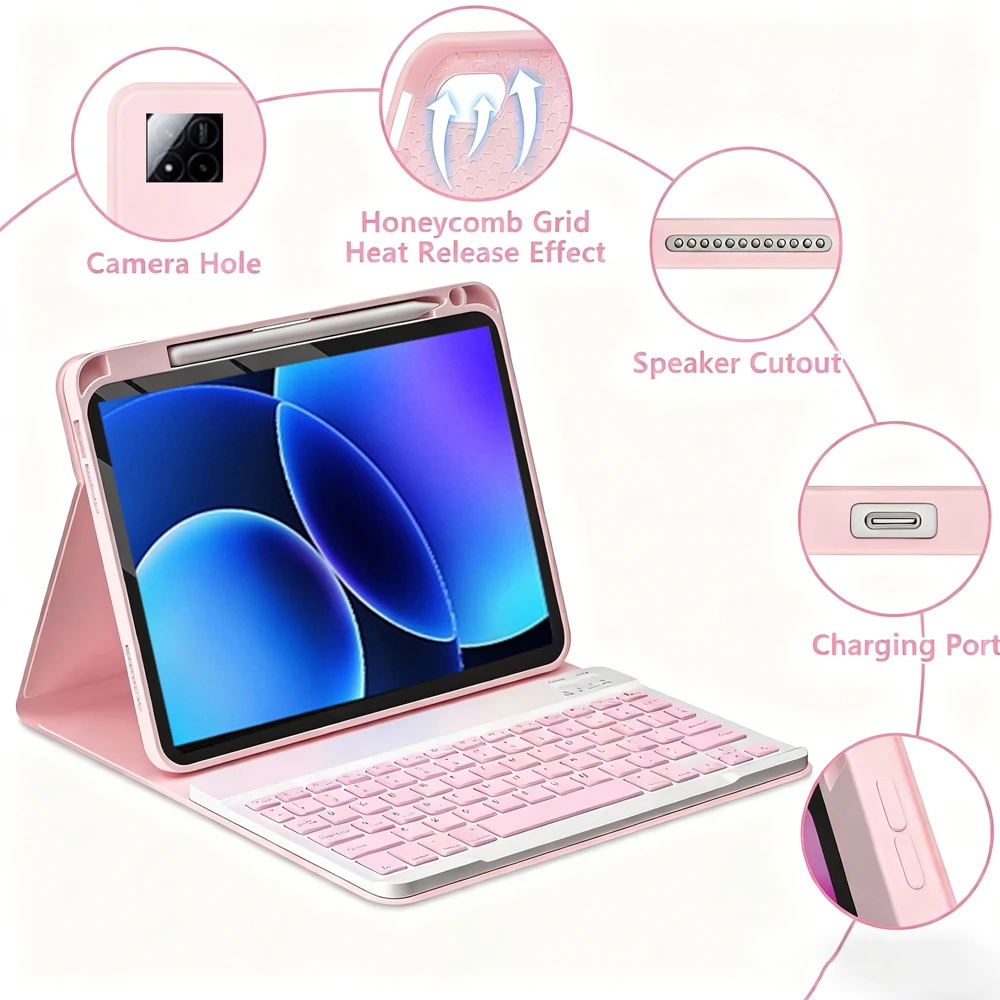


Case for Xiaomi Pad 8/8 Pro and Xiaomi Pad 7/7 Pro (11.2 Inch)
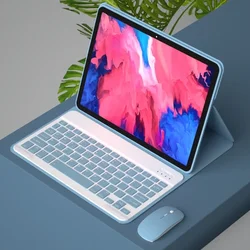
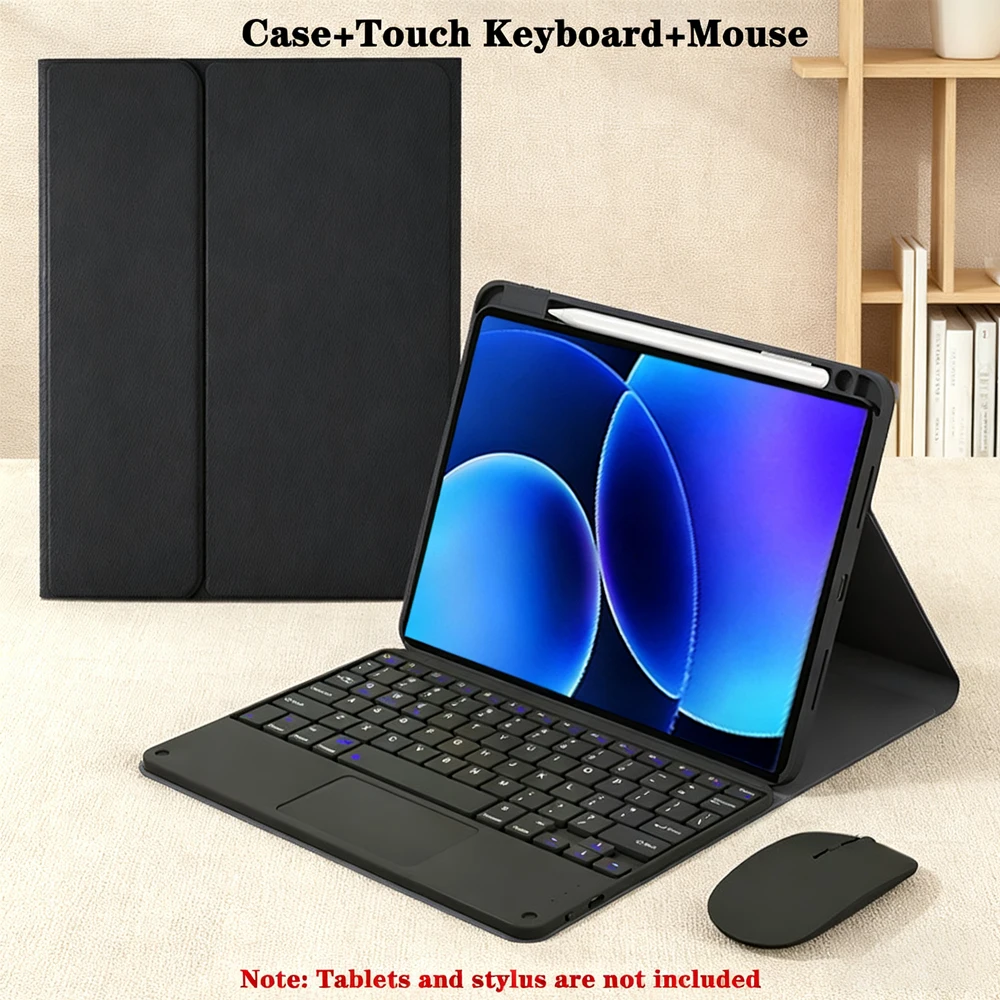
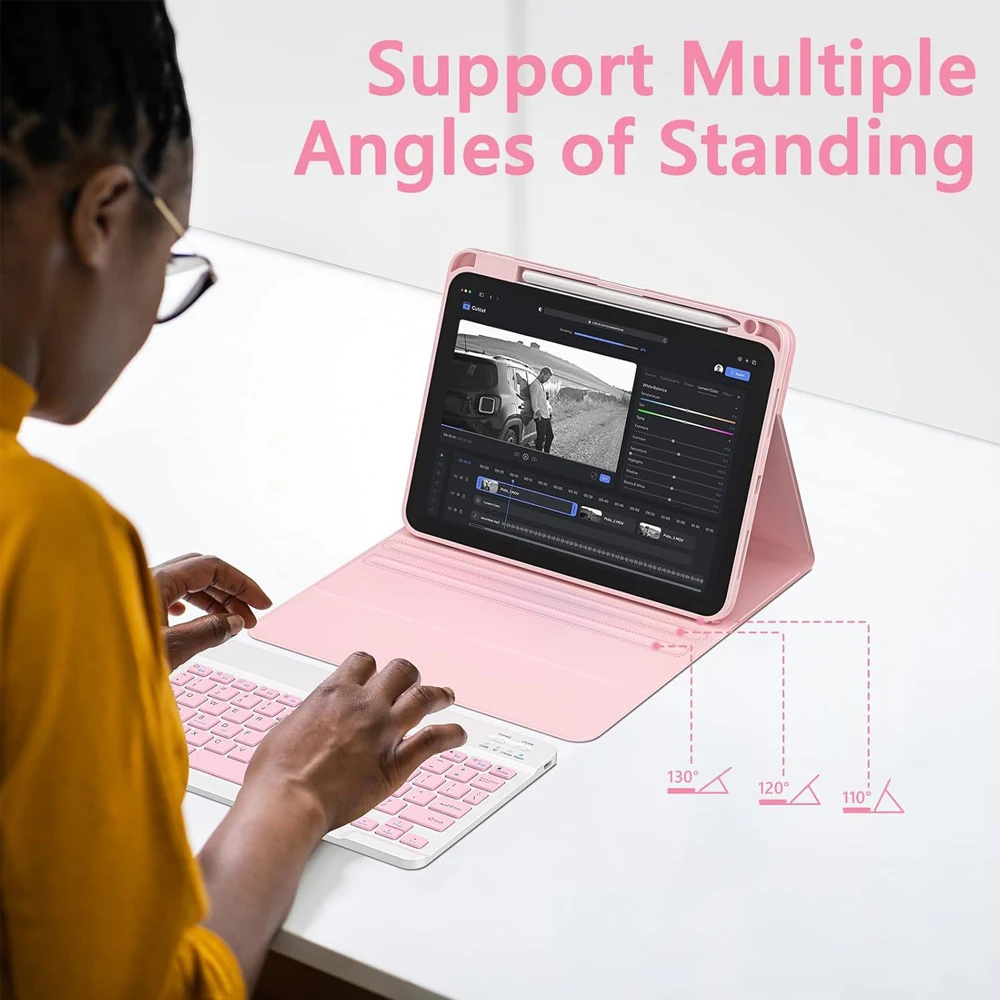
💥 Elevate your tablet experience with this stylish and functional case designed specifically for the Xiaomi Pad 8, Xiaomi Pad 8 Pro, Xiaomi Pad 7, and Xiaomi Pad 7 Pro models, all featuring a generous 11.2-inch display. This all-in-one case offers an exceptional blend of protection and versatility, ensuring your device is safe from scratches, drops, and everyday wear and tear while enhancing productivity.
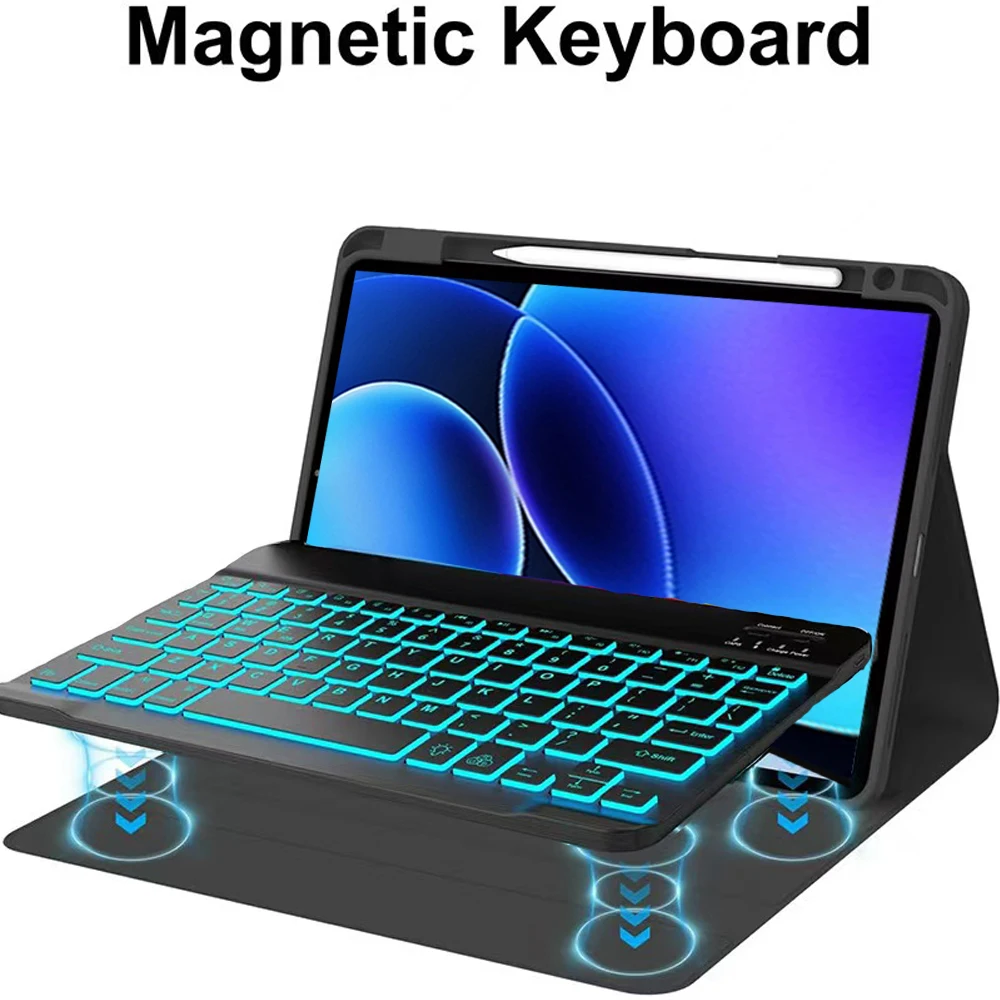
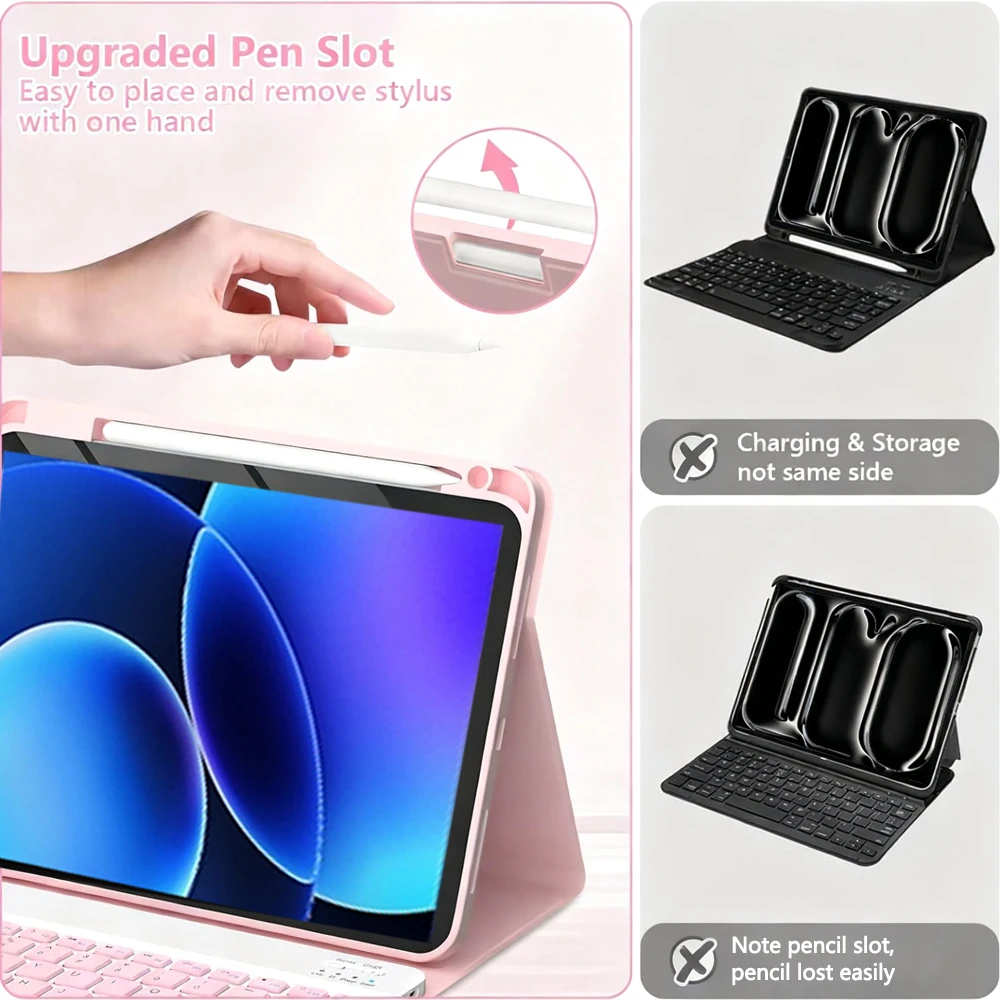
🪶 This innovative case comes equipped with a detachable Bluetooth keyboard, making typing a breeze whether you're writing emails, taking notes, or composing documents. The Bluetooth connectivity ensures seamless pairing, allowing for a clutter-free workspace free from tangled wires. Additionally, the case includes a dedicated pencil holder, ensuring your stylus is always within reach and ready for use.
🎯 To confirm compatibility with your Xiaomi tablet, check the back for the specific model or navigate to the "Settings" menu, select "About," and locate the "Model." This ensures you purchase the correct case tailored specifically to fit your device's dimensions perfectly.
📶 Wireless Keyboard and Mouse Setup
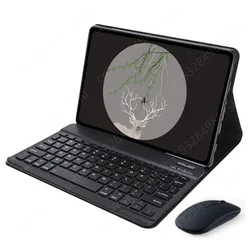
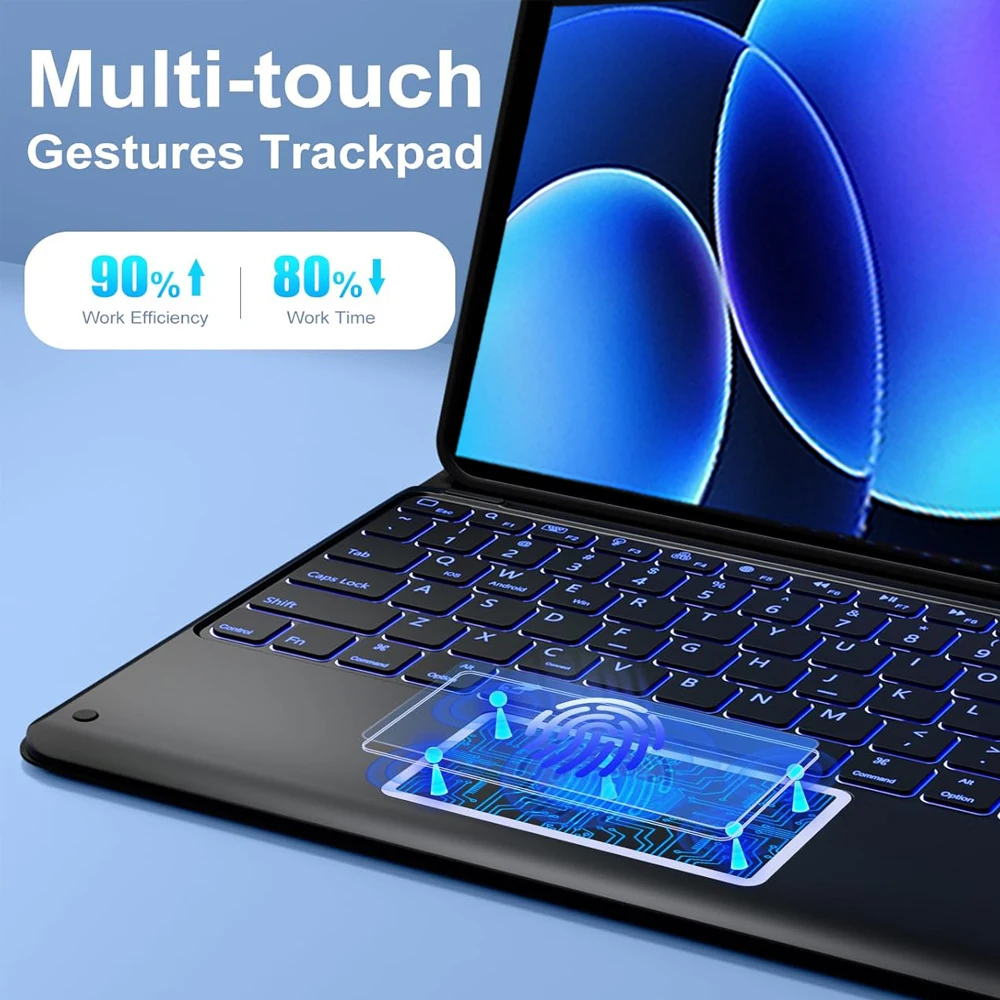
🔵 Connecting your keyboard and mouse is straightforward. Simply connect the mouse first by activating it to "Bluetooth" mode and searching for it in your device's Bluetooth list. Next, power on the keyboard and establish a connection in the same manner. For the touchpad keyboard, simply open it and press Fn+C before searching for the connection.
🔘 If this is your first time using the mouse, remember to simultaneously press the left button, right button, and scroll wheel for a few seconds to initiate the pairing process. Keep in mind that scrolling behaviors differ between USB and Bluetooth connections, ensuring adaptability depending on your setup.
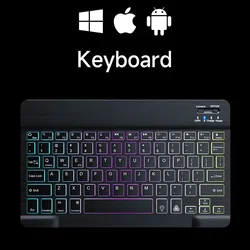
To switch between operating systems, utilize the keyboard shortcuts: Fn+Q for Android, Fn+W for Windows, and Fn+E for iOS. Ensure you switch the system before establishing a connection to avoid any discrepancies.
Troubleshooting Keyboard Issues
🔘 If the keyboard letters appear misaligned, it may be due to language settings. Verify that the device's keyboard language is set to English. You can also disconnect the keyboard from Bluetooth and reconnect while ensuring you select the appropriate operating system. In case of persistent issues, resetting the keyboard by pressing the L, S, and Z buttons simultaneously can resolve many common problems.
🪶 For users needing input in multiple languages, configuring the input method is simple. Within your tablet's "Settings," navigate to "System," then "Language & Input," adding a new keyboard as needed.
🪞 Enhance your productivity with this comprehensive tablet case designed to protect, organize, and elevate the functionality of your Xiaomi Pad 7 and 8 series devices, all while maintaining a sleek and professional appearance.
Hvis denne varen ankommer etter leveringsdatoen som er oppgitt i kassen, vil du bli tilsendt en kredittkupong på €6,00 som du kan bruke på din neste bestilling