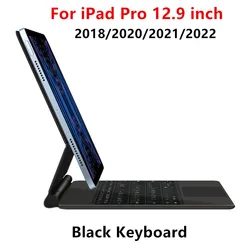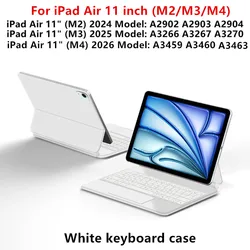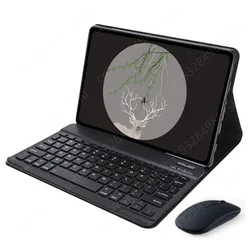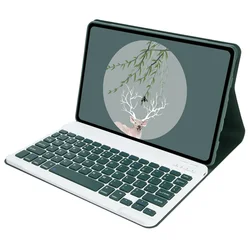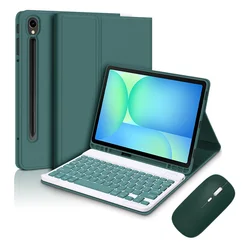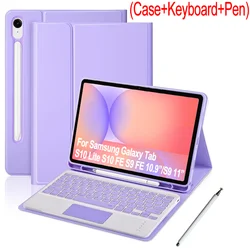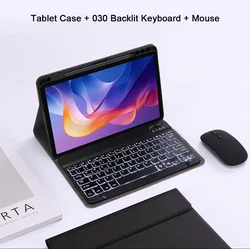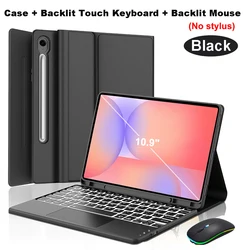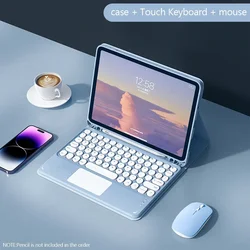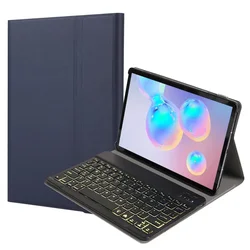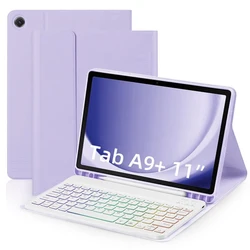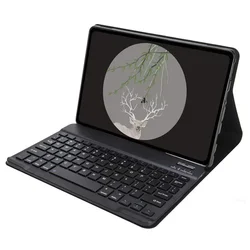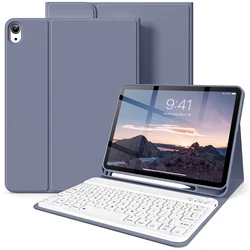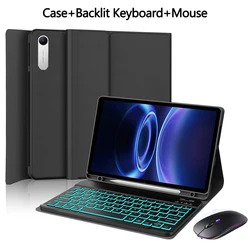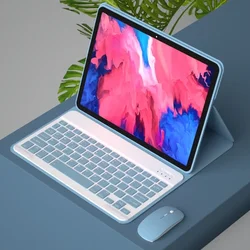



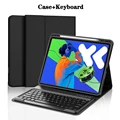
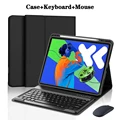


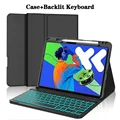



Elevate Your Lenovo Experience with the Perfect Keyboard Case
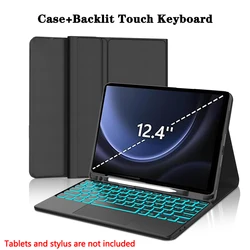
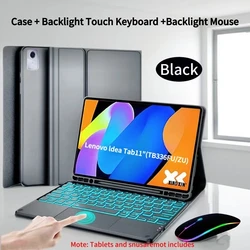
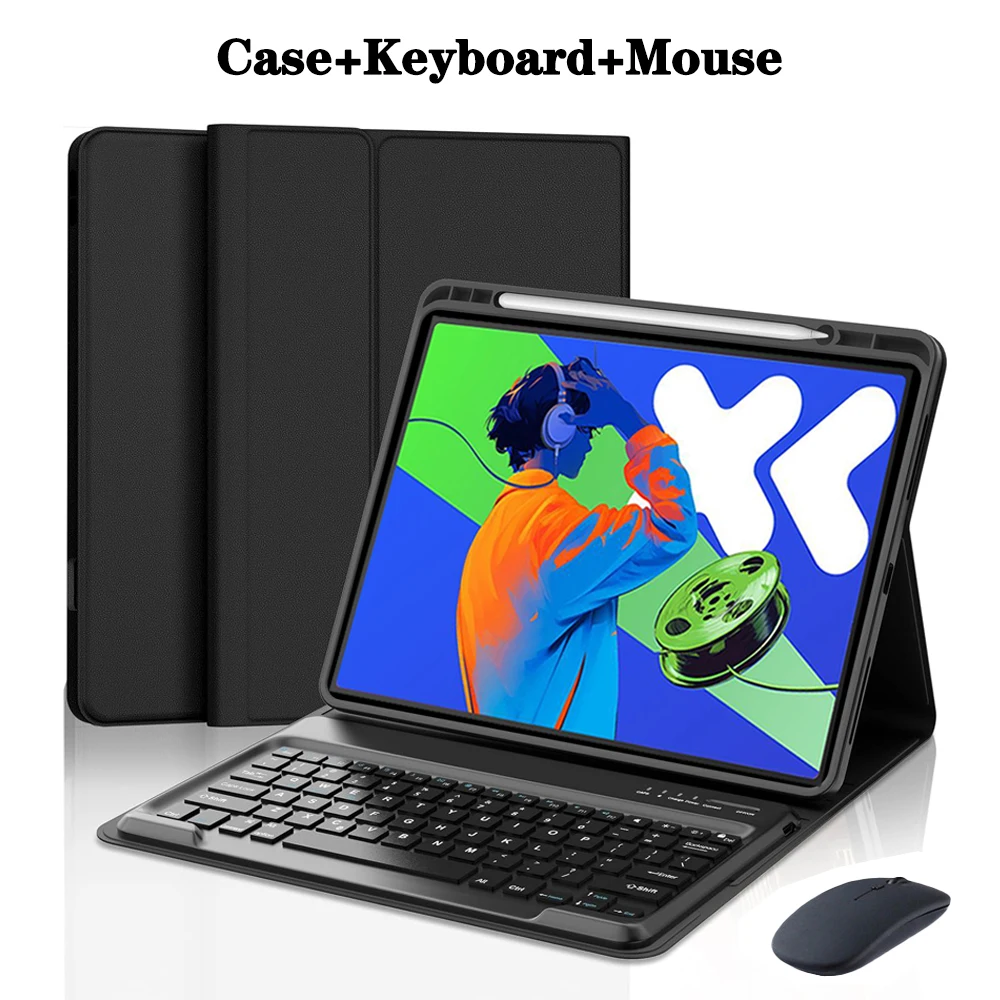
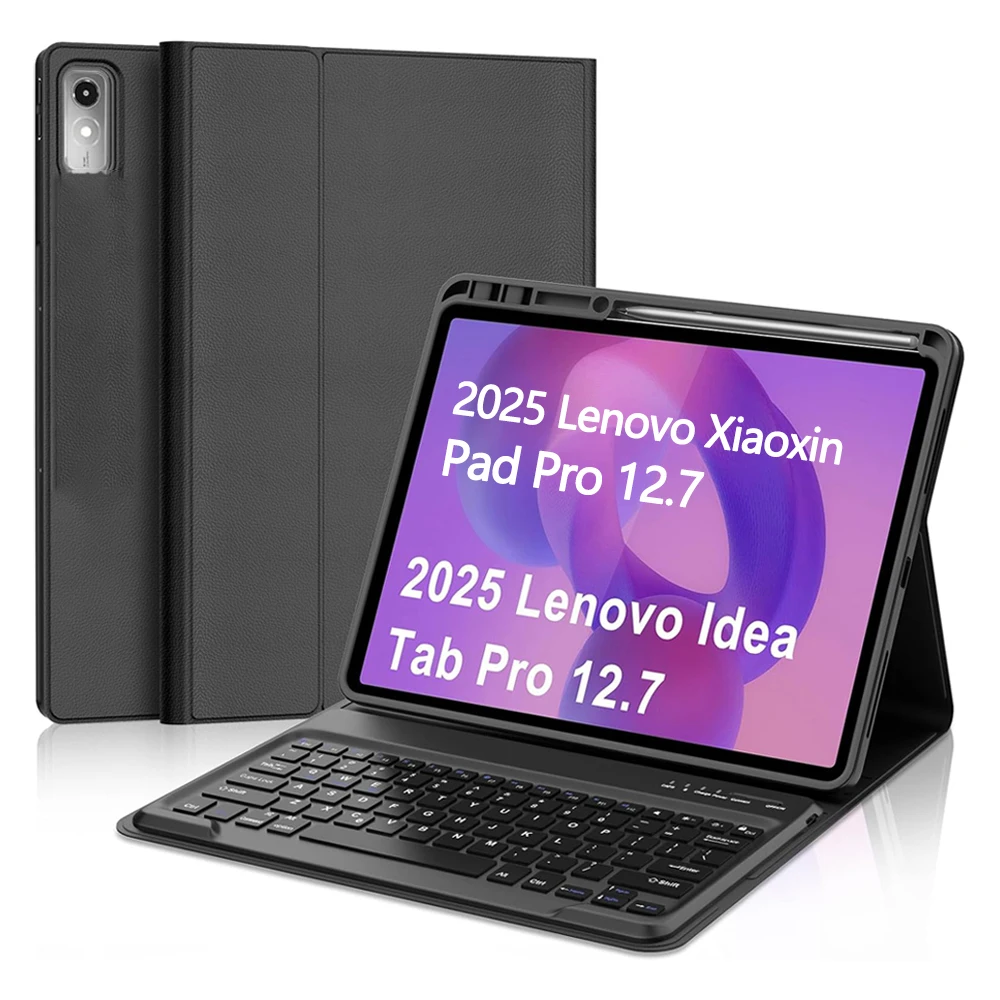
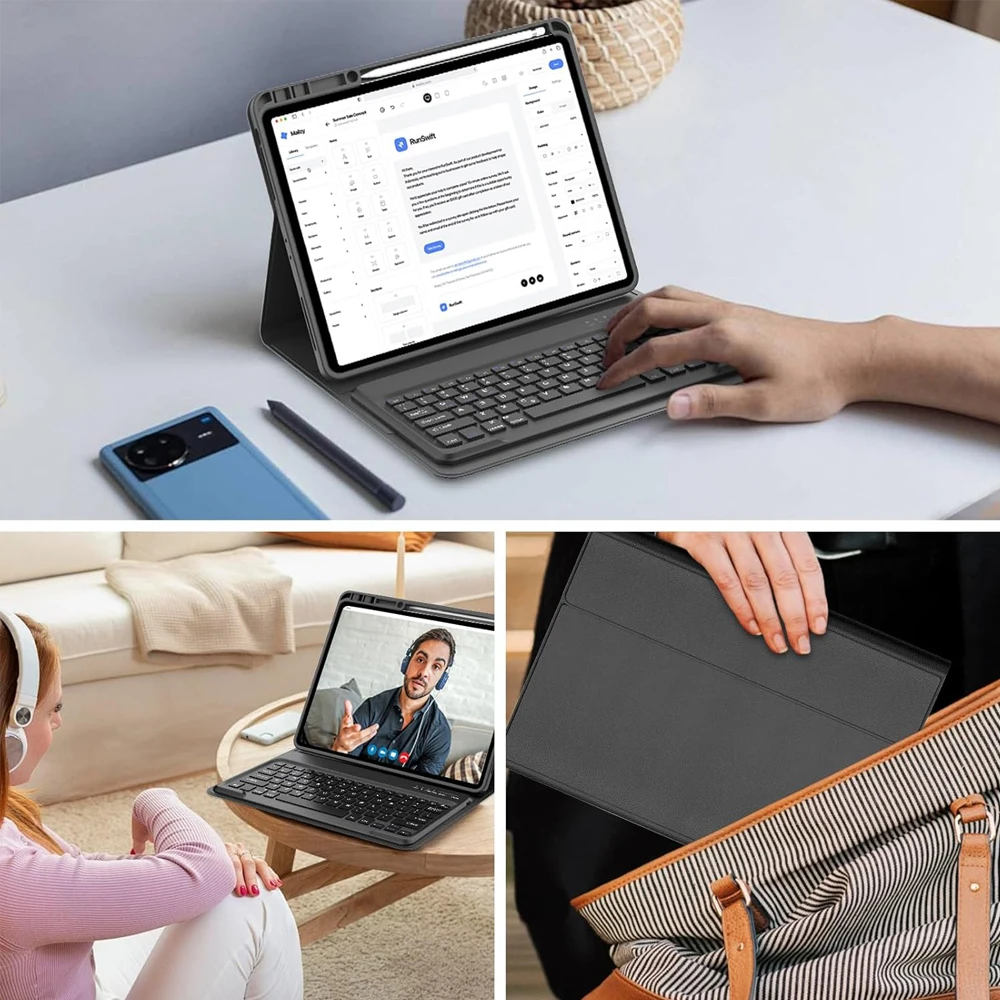
💎 This premium Keyboard Case is designed specifically for the Lenovo Xiaoxin Pad Pro 12.7 inch (2025) and the Lenovo Idea Tab Pro 12.7 inch (2025). Crafted for compatibility and convenience, it pairs perfectly with your tablet, transforming it into a versatile workstation. Whether you’re typing emails, working on documents, or enjoying multimedia, this case enhances functionality without compromising style.
Thoughtful Design for Seamless Use
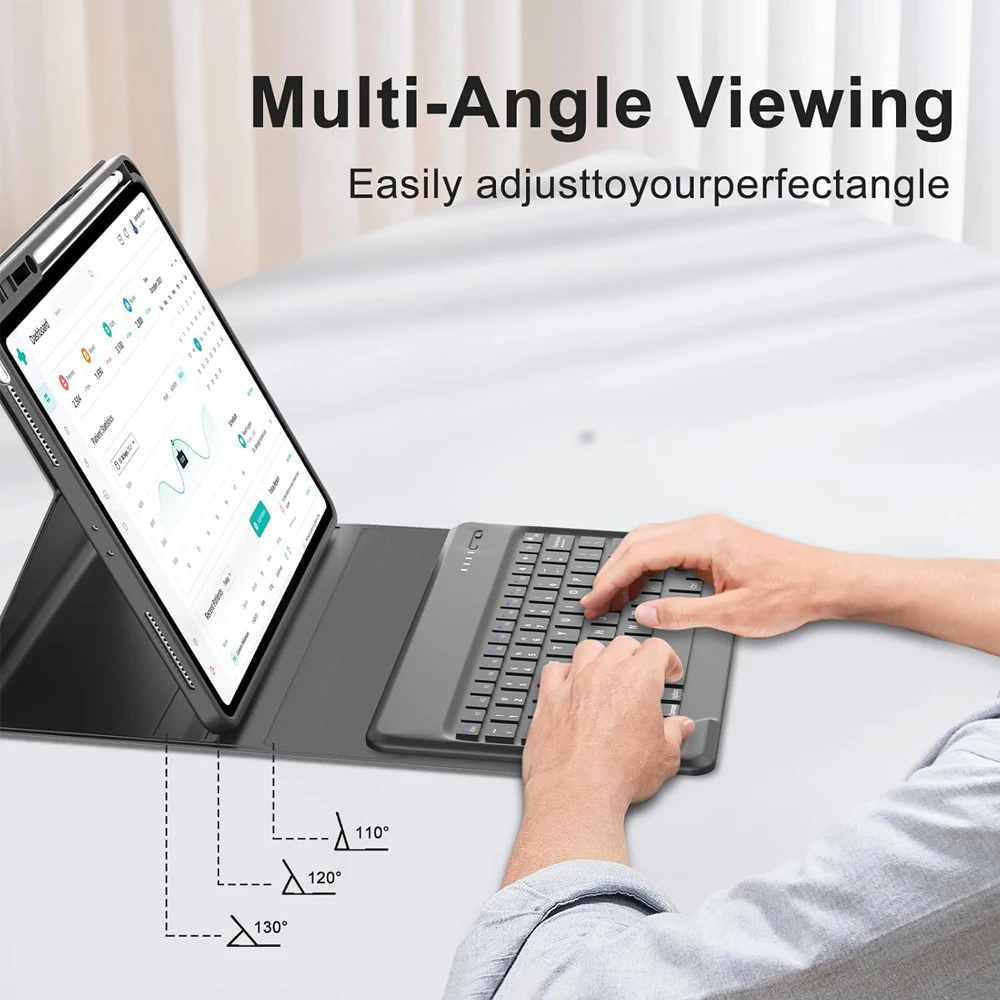
🛡️ The magnetic Bluetooth keyboard cover boasts a sleek design that not only protects your device but also delivers an exceptional typing experience. The lightweight yet durable materials ensure that your tablet remains safe from scratches and daily wear, while the precise cutouts allow easy access to all buttons, ports, and camera features without removing the case.
How to Verify Compatibility
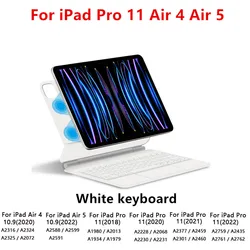
To ensure that you are purchasing the correct case for your device, please verify your tablet model:
🎯 This step is crucial for ensuring a perfect fit and optimal functionality.
🔵 Effortless Connectivity with Bluetooth Technology
🔧 This keyboard case features an intuitive Bluetooth setup, allowing you to connect both your keyboard and mouse with ease:
🔵 Frequently Asked Questions
🆘 To assist you in making the most of your keyboard case, here are some common inquiries:
Q: What to consider when connecting the mouse for the first time?
🔘 A: Press and hold the left button, right button, and scroll wheel simultaneously for 3-5 seconds to initiate the connection.
🔵 Q: Is the scroll direction consistent between USB and Bluetooth?
🔵 A: No, they differ; USB scrolls in line with the device, while Bluetooth operates in the opposite direction.
Q: How to switch between different operating systems?
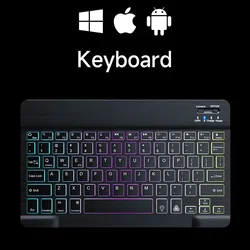
🌿 A: Use the shortcuts: Fn+Q for Android, Fn+W for Windows, and Fn+E for iOS. It's recommended to switch before establishing the tablet connection.
🔵 Q: What if the characters on the Bluetooth keyboard appear jumbled?
🔵 A: Ensure the device's keyboard language is set to English, disconnect the Bluetooth, re-establish the connection for your specific system using Fn, and perform a reset if necessary.
Q: How to add or configure additional language inputs?
🧰 A: For example, on a Samsung tablet: navigate to Settings > System > Language & Input and add a new keyboard. Adjustments for other systems can be similar with slight variations.
Q: How to adjust the mouse scrolling direction?
🔴 A: Once connected, go to General > Trackpad & Mouse and disable "Natural Scrolling" to set your preferred scroll direction.
🧩 Enhance your Lenovo tablet experience with this sophisticated Keyboard Case, where style meets functionality!
Hvis denne varen ankommer etter leveringsdatoen som er oppgitt i kassen, vil du bli tilsendt en kredittkupong på €6,00 som du kan bruke på din neste bestilling